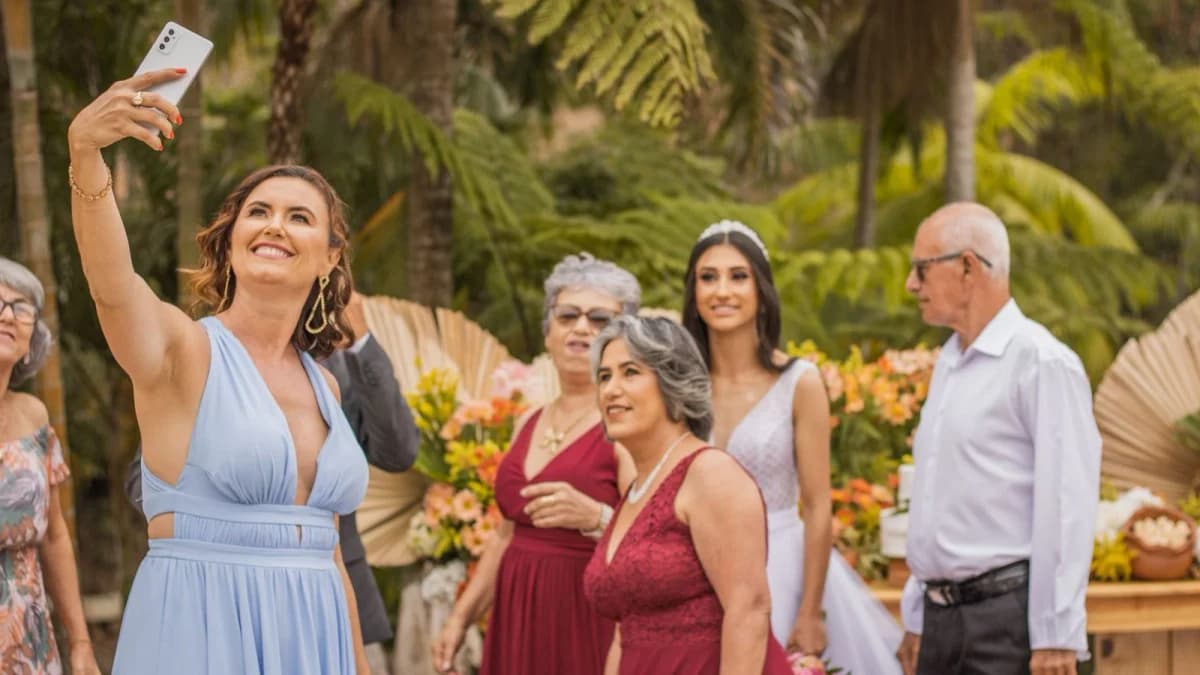
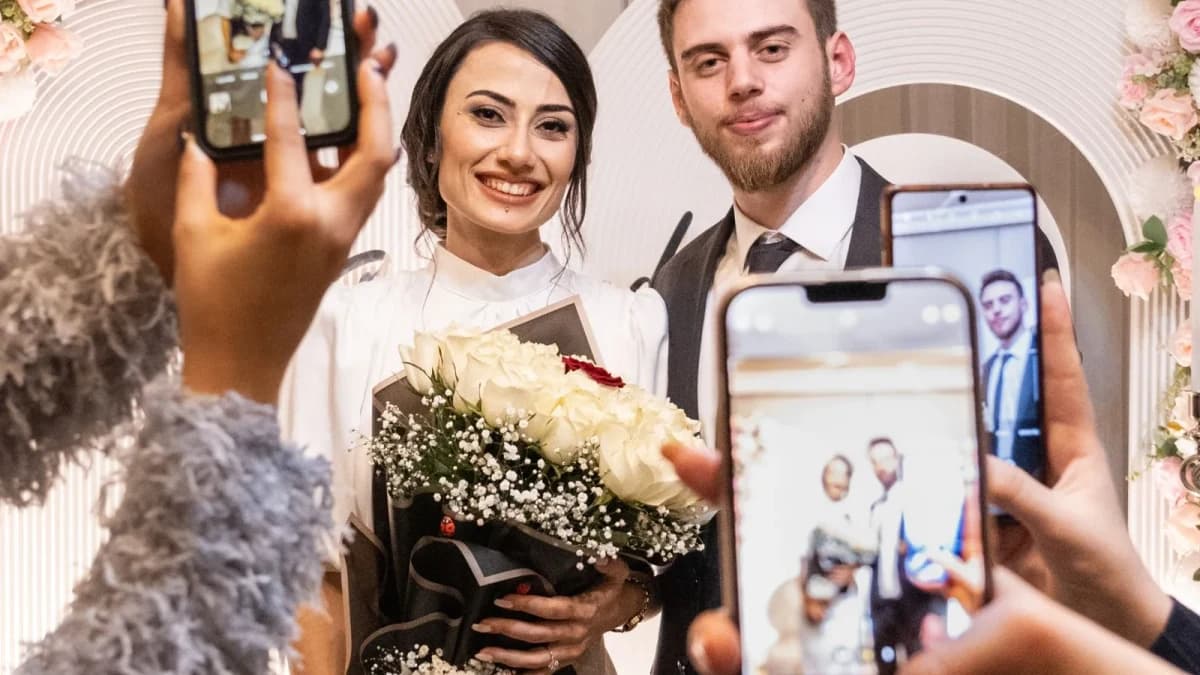
The Compression Trap: What Text Apps Do to Your Memories
Modern smartphones (like the iPhone 15/16 Pro and Samsung Galaxy S24) feature incredible camera sensors capable of shooting 48-megapixel photos and cinema-grade 4K 60fps video.
Yet, when guests text those photos through WhatsApp, iMessage, or social media, aggressive compression algorithms slash the file size to save cellular bandwidth: - A crisp 12MB original photo is compressed down to 400KB. - Fine details—like the lace on a wedding dress, facial expressions in the crowd, and candlelight highlights—turn into blurry JPEG artifacts. - When you later attempt to print that photo in a physical wedding album or framed print, the image looks pixelated and muddy.
Understanding HEIC, RAW, and 4K Mobile Media
Today's wedding guests shoot in a variety of modern formats: - HEIC / HEIF: High Efficiency Image Container used by iOS for rich 10-bit color. - Live Photos: Short video moments paired with still images. - 4K MOV / MP4: High-bitrate video clips capturing vows, toasts, and dance solos.
Many generic web forms fail when handling HEIC files or choke on large 500MB video uploads, throwing generic timeout errors that frustrate guests.
Why Direct-to-Cloud Uploads Matter
WedShare utilizes direct signed upload sessions straight from the guest's mobile browser to secure private cloud storage: - Zero Server Bottlenecks: Files stream directly from the phone to cloud infrastructure, bypassing serverless RAM constraints. - Byte-for-Byte Preservation: The raw original file is archived untouched. - Fast Local WebP Thumbnails: The gallery generates lightweight thumbnails for instant smooth browsing on mobile, while keeping the full-res master safe in storage.
Preserving EXIF Timestamps for Chronological Albums
Every smartphone photo contains hidden metadata known as EXIF data: the exact date, hour, minute, and second the photo was snapped.
When you collect photos via messaging apps, that EXIF metadata is stripped away. But when collected through WedShare, original timestamps are preserved. This allows your album to automatically sequence every photo in chronological order—letting you re-live your wedding day from the morning preparations through the midnight send-off!
How to Download Your Master Archive
Once your wedding weekend concludes, you shouldn't have to click "Save Image" 800 times. With WedShare, one click triggers our asynchronous background worker to package all raw originals into organized bulk ZIP archives with time-limited signed download links.

See how guest photo sharing works
Try the sample guest experience before choosing a plan. Your printable resources remain free to use.
Frequently Asked Questions
Can I print photos uploaded by guests to photo books?
Yes! Because WedShare preserves original uncompressed resolutions, photos are fully suitable for large format 8x10 prints and professional wedding albums.
Does WedShare charge extra for high resolution downloads?
Never. Full-resolution originals and bulk ZIP downloads are included in all standard paid packages.
Does WedShare support 4K video uploads from guests?
Yes! WedShare supports high-definition 1080p and 4K video clips up to 500MB per file, ensuring heartfelt toasts, dance floor spins, and ceremony processional videos remain sharp and clear.
Can guests upload Apple Live Photos without losing the animation?
Yes, WedShare preserves both the still image and the paired video component of Apple Live Photos, allowing you to view and play the live movement in your web gallery.