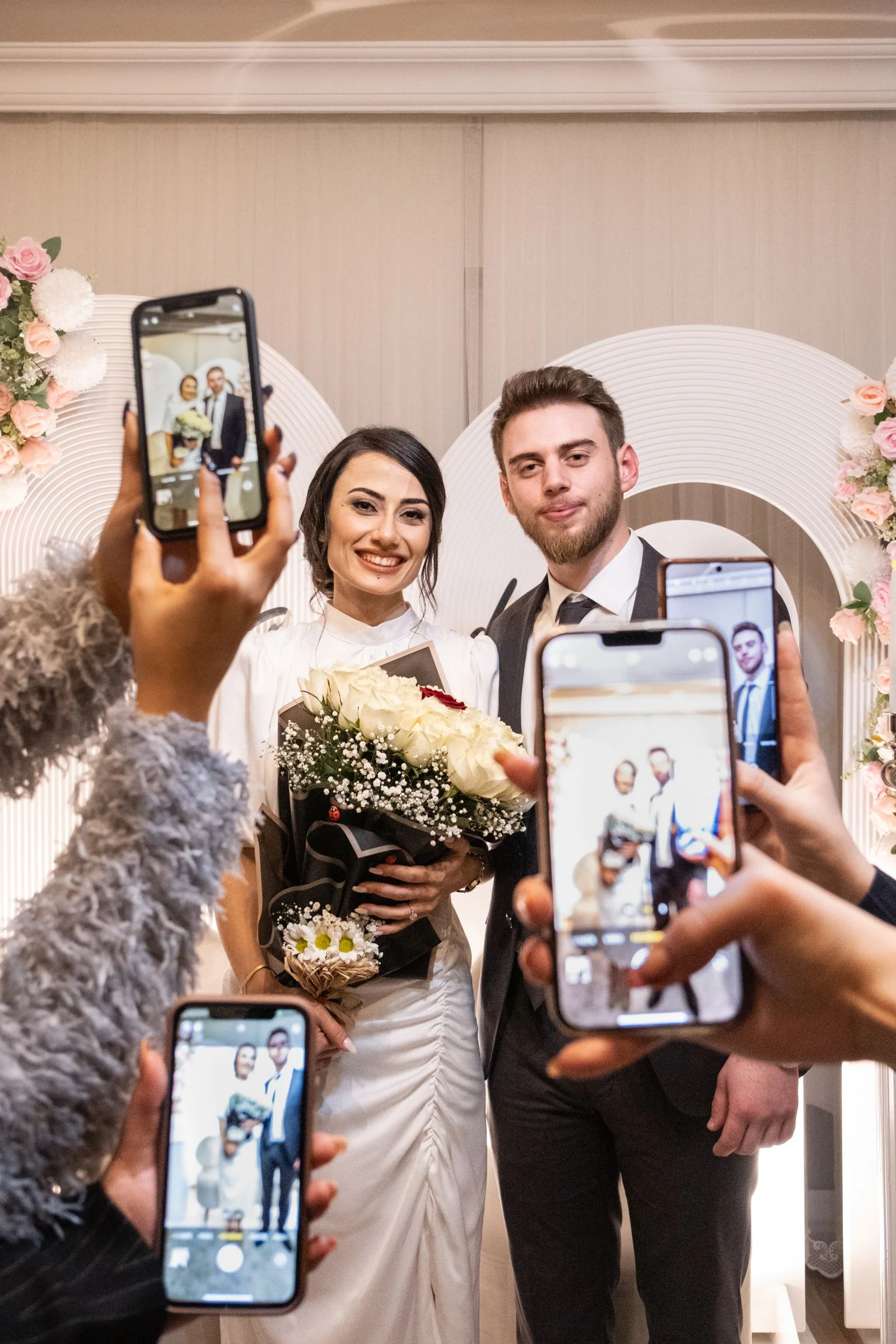
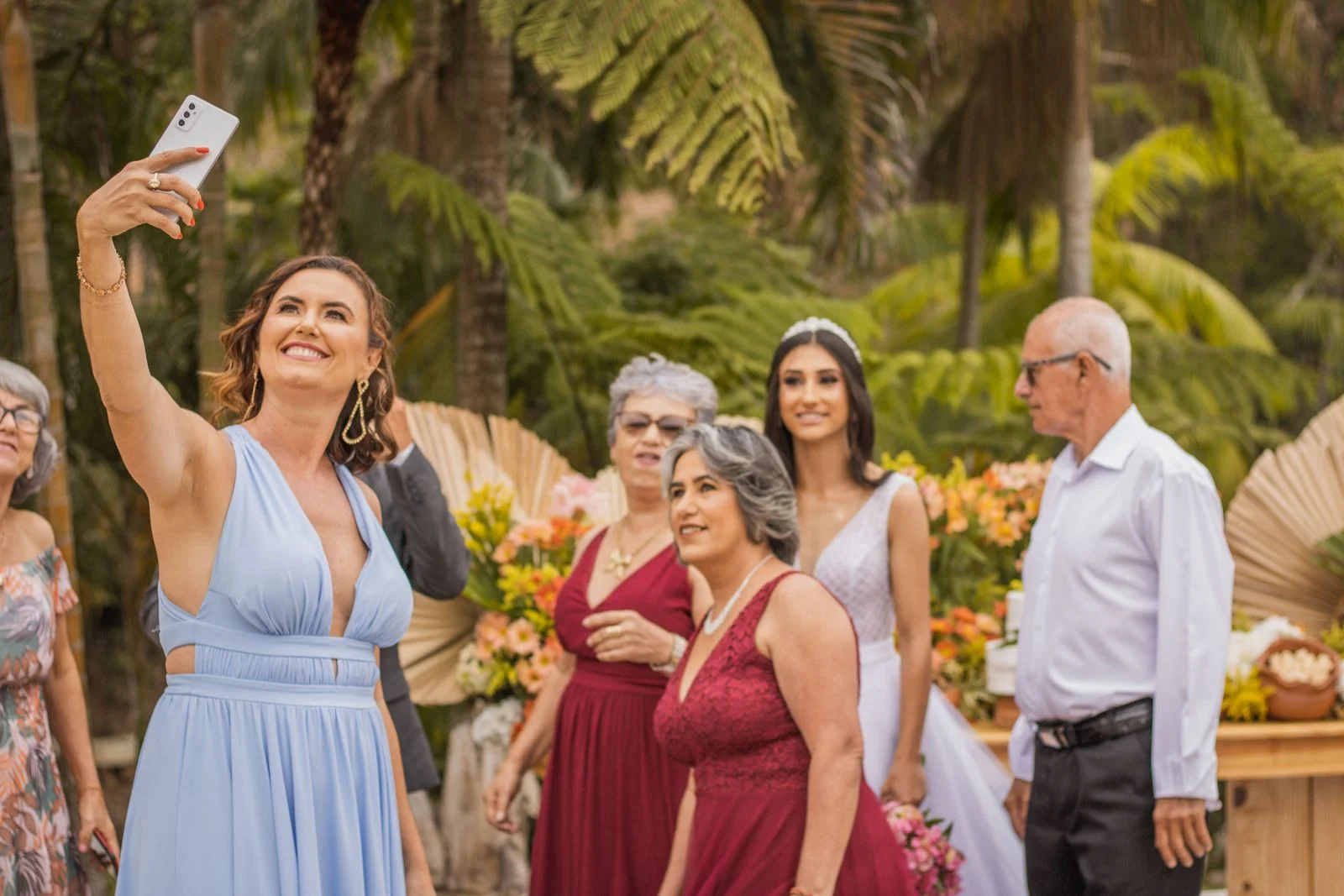
Once the confetti has settled and you return from your honeymoon, one question will dominate your inbox and text messages: *"When can we see the wedding pictures?!"*
Sharing your wedding photos is an essential gesture of gratitude to the people who traveled, dressed up, and celebrated alongside you. However, doing it efficiently—without spending weeks texting individual files or compressing your images—requires a thoughtful strategy.
In this guide, we review the 7 most effective methods to share wedding photos with guests, balancing convenience, image quality, and privacy.
The Two Types of Wedding Photos You Need to Share
When planning your sharing strategy, distinguish between the two distinct media collections:
- Professional Photographer Photos: Delivered typically 6 to 10 weeks after the wedding in high-resolution, professionally color-graded format.
- Candid Guest Photos & Videos: Captured in real time during the event by guests on their smartphones—available immediately the morning after your wedding.
The most successful couples use a single destination—like WedShare—that collects guest candids on the wedding night, and then allows the couple to upload the photographer's highlights into the same gallery later.
Method 1: An Interactive Online Guest Gallery (Best Overall)
A dedicated, private online gallery is the gold standard for wedding photo sharing.
- How it works: You share a clean, elegant link (e.g.
wedshare.online/e/sarah-david). Guests open it on their phones, tablets, or laptops without needing to download apps or create accounts. - Why it works best: It supports both photos and 4K videos, preserves uncompressed image resolution, allows guests to order prints or download favorites, and keeps your private moments off public social media feeds.
Method 2: QR Code Printed on Thank-You Cards
One of the most elegant modern trends is printing a QR code on the back of your physical paper thank-you cards.
- As guests read your personalized handwritten note, they can point their smartphone camera at the printed QR code and be taken directly to your full wedding photo gallery.
- It bridges physical gratitude with digital convenience, ensuring older relatives who might miss an email link can view the album effortlessly.
Design custom cards with our free Wedding QR Code Designer.
Method 3: Wedding Website Digital Gallery Link
Share photos both ways with one simple link
WedShare lets you collect guest candids and share your professional photos in one elegant, private gallery.
If you created a wedding website on Zola, The Knot, or Joy, add a prominent "Photos" navigation tab once your gallery is ready.
Update the page with your direct WedShare gallery link. Guests who already have your wedding website bookmarked can revisit the URL to view the celebration.
Method 4: Email Blast with Direct Download Links
For older relatives and wedding party members, a well-formatted email blast remains highly effective: * Include 3 to 5 stunning highlight photos directly in the email body. * Provide a prominent button: "View Full Wedding Gallery". * Remind guests that they can still upload any candid photos or videos they haven't shared yet.
Method 5: Cloud Storage Folders (Google Drive / Dropbox)
You can share a public folder link via Google Drive or Dropbox.
- Limitations: The interface looks like a corporate spreadsheet or work folder. Non-tech-savvy guests often struggle to navigate subfolders, and Google Drive frequently prompts users to sign in. Dropbox bandwidth caps can lock guests out if multiple people download simultaneously.
Method 6: Social Media & Shared Albums
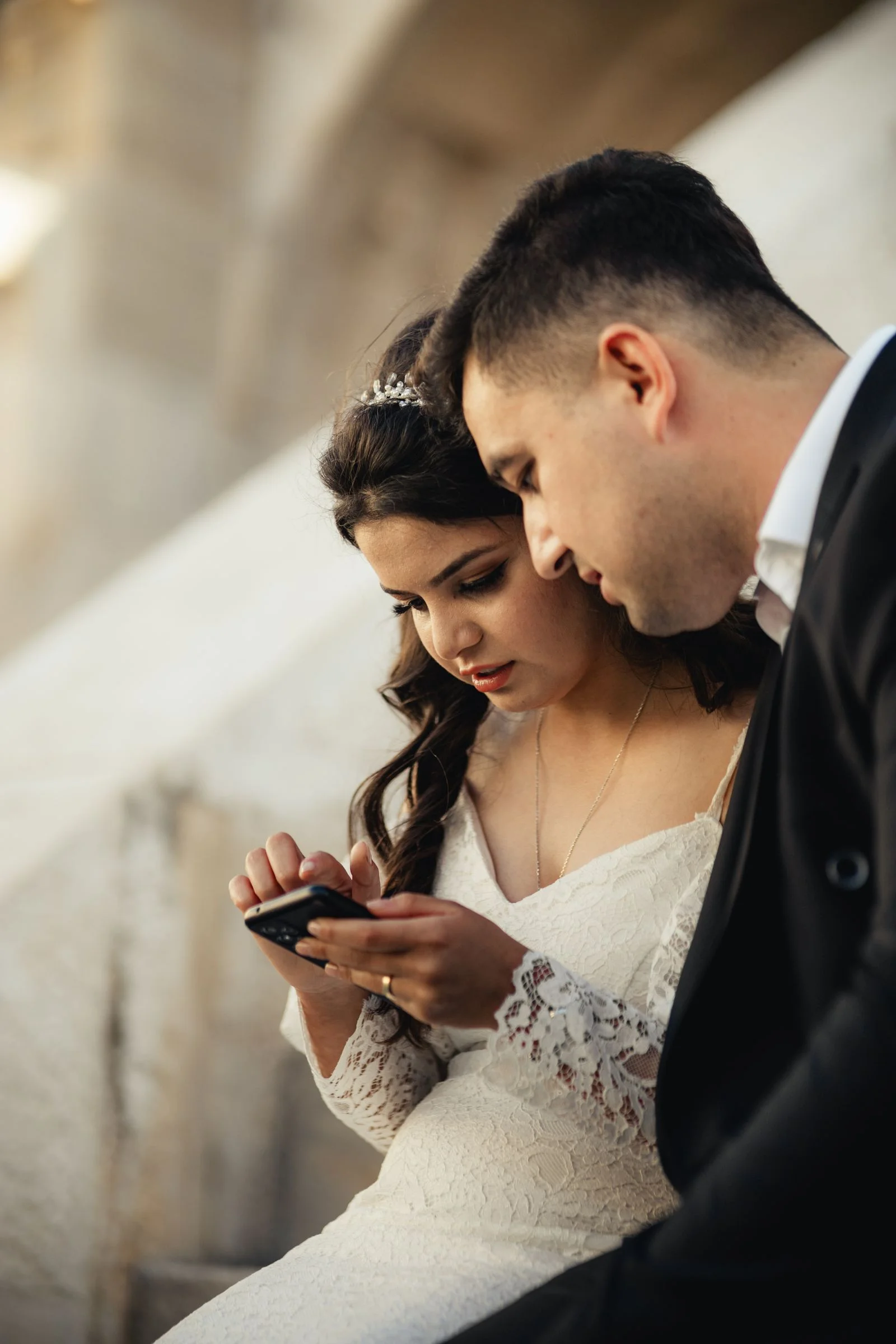
Posting an album on Facebook or Instagram is common, but has notable drawbacks: * Social platforms aggressively compress image quality, stripping out fine details. * Many guests (and couples) prefer not to broadcast private family moments publicly. * Not all guests are on social media.
Method 7: Physical Prints & Mini Photo Books
For parents, grandparents, and your bridal party, nothing replaces the tactile magic of physical prints. Consider ordering a set of 4x6" highlight prints or a slim hardcover brag book to include with their thank-you gift.
Calculate your expected photo numbers using our How Many Wedding Photos Calculator.

Collect Every Photo from Your Celebration
Create a stunning wedding gallery that your guests will cherish forever.
Frequently Asked Questions
When should you share wedding photos with guests?
You can share guest candid photos immediately the day after the wedding. For professional photography, send a sneak peek within the first week, and the complete gallery when your photographer delivers it (typically 6 to 10 weeks).
Can guests download full-resolution photos from WedShare?
Yes. Couples can choose whether to allow guests to download individual high-resolution files or keep downloads exclusive to the hosts.
How do you share photos with guests who don't have smartphones?
WedShare galleries can be opened in any desktop web browser on a laptop or computer. You can also print physical photos or order mini albums for non-digital relatives.
What is the easiest way to send wedding photos to 150 guests?
Send a single group email or SMS containing your direct gallery link, or print a QR code on your wedding thank-you cards.