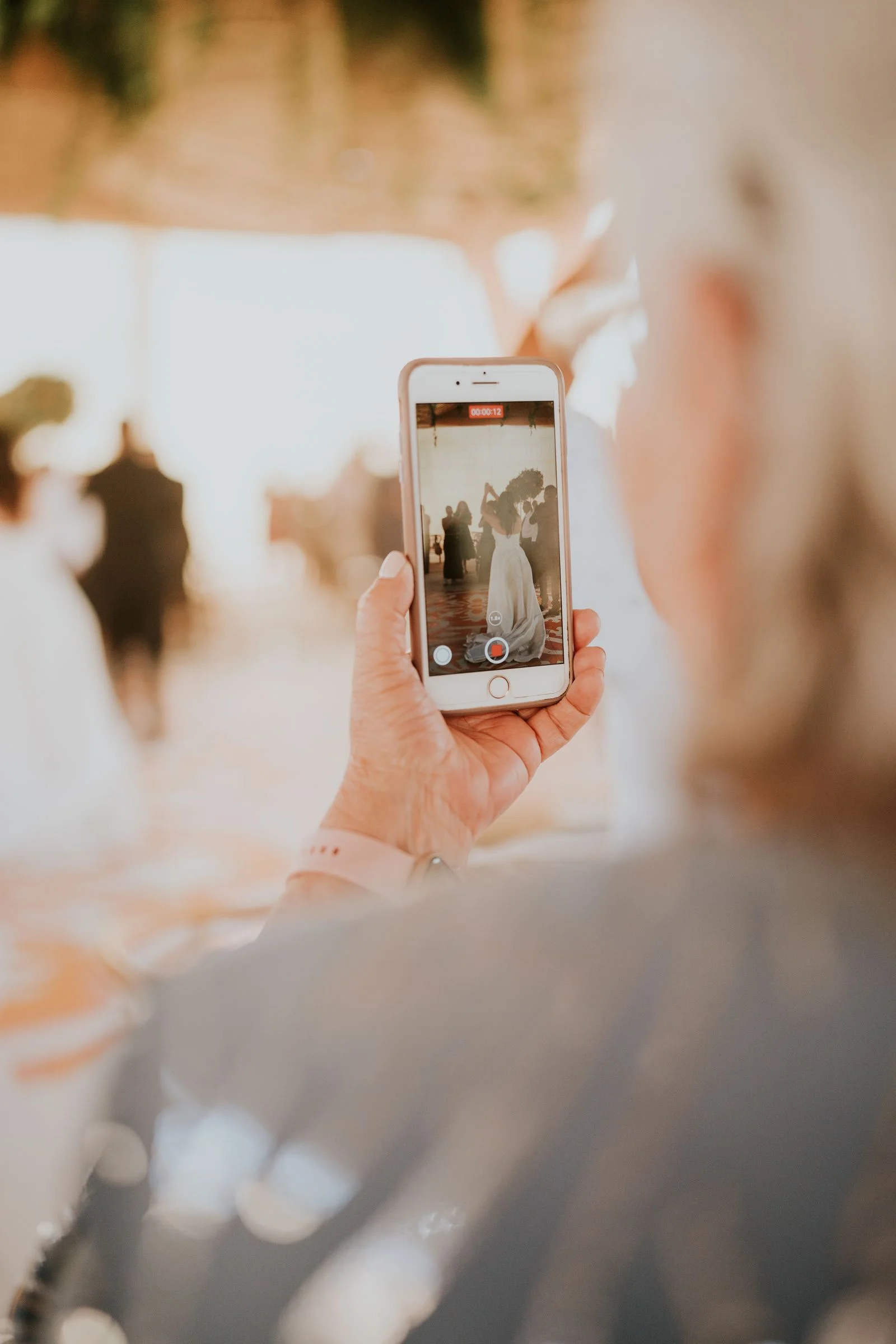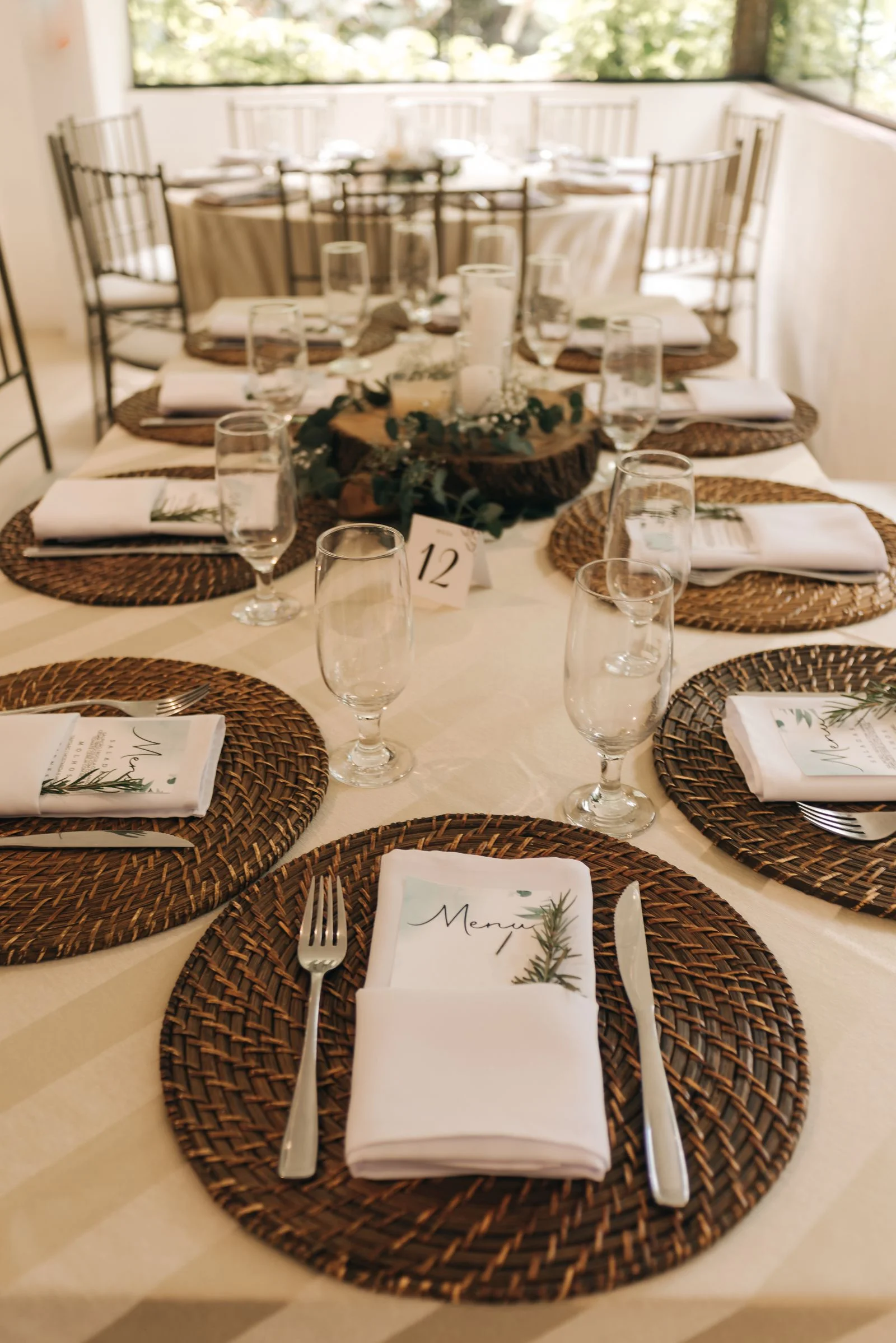
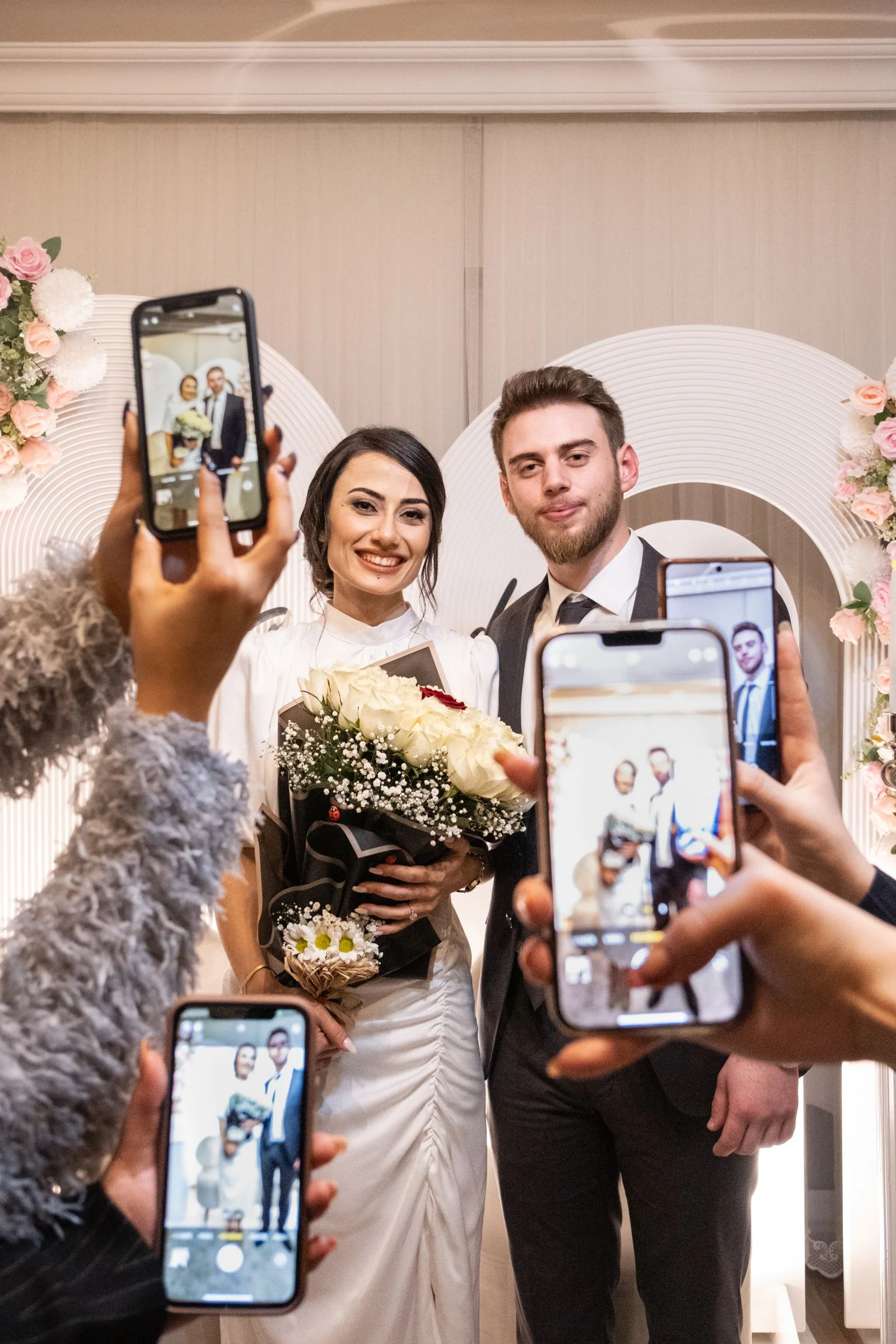
While your hired professional photographer documents the key formal milestones—the processional, vow exchange, formal family portraits, and first dance—your wedding guests hold a treasure trove of authentic, unfiltered memories in their pockets. They capture the inside jokes between college roommates at Table 4, the joyful tear rolling down your grandmother's cheek during the speeches, and the spontaneous late-night dance battle that happened while the photographer was backing up memory cards.
Yet according to recent wedding data, over 85% of candid guest photos are never seen by the newlyweds. Instead, they remain permanently trapped on hundreds of individual camera rolls.
In this guide, you will learn the exact modern framework couples use to collect hundreds—or thousands—of candid guest photos and videos effortlessly, without requiring anyone to download an app or create an account.
The Problem: Why 85% of Guest Photos Are Usually Lost
Every married couple knows the post-wedding photo scramble. The day after your celebration, you wake up exhausted and eager to relive every angle of the night before. You receive a flurry of 6 photos texted from your maid of honor, a 15-second low-resolution video sent via Instagram DM from a cousin, and an iCloud shared link from an aunt that only Apple users can view.
Within 48 hours, the stream stops. Life moves on. Guests return to work, unpack their suitcases, and forget to send the dozens of candid moments they captured. Three months later, you see a stunning photo of your ceremony backdrop on someone's Facebook feed that you never knew existed.
The root cause isn't that guests are unwilling to share. The root cause is friction. When sharing photos requires downloading an unfamiliar mobile app, signing up with an email address, or remembering to email full-resolution files after the wedding, participation rates plummet below 15%.
To get nearly 100% of your guests to contribute, you must make uploading as effortless as scanning a restaurant menu.
The 4 Ways Couples Try to Collect Photos (And Why Most Fail)
Couples traditionally resort to one of four methods, each carrying distinct drawbacks:
- Hashtags on Social Media (#SmithWedding2026):
- * *The Flaw:* Social media algorithms heavily compress images, stripping out high-resolution print quality. Worse, private Instagram and TikTok accounts prevent their posts from appearing under the public hashtag. Videos are often cut short, and downloading files in bulk is impossible.
- Text Message Threads & WhatsApp Groups:
- * *The Flaw:* Standard SMS and MMS compress images into blurry pixelated thumbnails. Cross-platform messaging between iOS and Android frequently downgrades video quality to unwatchable resolutions. Large group chats quickly become chaotic and noisy.
- Generic Cloud Drives (Google Drive, Dropbox, OneDrive):
- * *The Flaw:* Google Drive requires every guest to have and log into a Google account. Dropboxes have strict 2GB free bandwidth caps that freeze as soon as three guests upload 4K video clips. The interfaces are sterile and look like enterprise corporate file systems rather than a romantic celebration.
- Native Mobile Photo Sharing Apps:
- * *The Flaw:* Asking 120 guests—including elderly grandparents and tech-averse relatives—to open the App Store or Google Play, download a 90MB app, grant system permissions, verify their email address, and remember a password creates unbearable friction during cocktail hour.
The Modern Solution: Browser-Based QR Code Galleries
The breakthrough in wedding technology over recent years is the browser-based QR event gallery.
Instead of an app, the couple creates a private digital wedding album using a platform like WedShare. The platform generates a unique, scannable QR code and matching short link.
Here is what the guest experience looks like in practice: * A guest sits down at dinner and points their smartphone camera at a beautifully printed table card. * A banner notification pops up: tapping it immediately opens the wedding album inside Safari or Chrome. * The guest taps "Upload Photos", selects 10, 20, or 50 photos directly from their camera roll, and taps Send. * Uploads are transferred in full original uncompressed resolution within seconds. Zero app store downloads, zero account registration, and zero passwords.
To calculate how many candid photos your guest list is expected to take, try our free How Many Wedding Photos Calculator.
Where to Place QR Code Signs for Maximum Participation
Want guests to upload photos without downloading an app?
WedShare lets your wedding guests scan a table QR code and upload original-resolution photos and videos in under 10 seconds.
Even the best technology is useless if guests do not notice the instructions. The secret to maximizing photo collection is placing QR codes at natural pause points throughout the venue where guests are seated or waiting with their phones already in hand.
1. Reception Dining Tables (Highest Conversion: 65% of all uploads) When guests sit down for dinner, speeches, and dessert, their smartphones are almost universally resting on the table beside their silverware. Placing a tasteful 5x7" folded tent card or double-sided acrylic frame on every table ensures every single attendee has a personal scanner within arm's reach.
2. The Cocktail Hour Bar & High-Top Tables While waiting for a cocktail or signature drink, guests have 2 to 3 minutes of idle time. A stylish 8x10" framed sign on the bar counter invites them to share the photos they took during the ceremony or arrival.
3. The Welcome Table & Guestbook Station Position a sign next to your physical guestbook, seating chart, or card box so arriving guests know from the very beginning that a digital collective album exists.
4. Bathroom Mirrors and Powder Rooms A surprising high-performer: ladies' powder rooms and vanity mirrors are frequent spots for group mirror selfies. A small sticker or mirror sign captures those fun late-night candid portraits.
You can design and print matching stationery using our free Wedding QR Code Designer.
Stationery & Signage Copy That Actually Converts
Avoid vague instructions like *"Scan me!"* or *"Photos here."* Guests need to understand what the code does, where their photos go, and that it requires zero app installation.
Template 1: Warm & Classic > **Capture the Love** > > We want to see our wedding through your eyes! > Scan the QR code to share your favorite photos & videos into our collective album. > > *No app download or sign-up needed.*
Template 2: Fun & Candid > **Did you take any great photos?** > > Don't let your best dance moves stay trapped in your camera roll! > Point your camera, scan the code, and upload your memories in seconds. > > *Original quality preserved • Private to our wedding*
Template 3: The Morning-After Digital Reminder > "Thank you so much for celebrating with us yesterday! If you took any photos or videos during the weekend, we would love to see them. Please take two minutes to drop them into our shared album here: [Your WedShare Link]"
How to Handle Poor Reception or Spotty Venue Wi-Fi
What if your wedding takes place at a remote vineyard, rustic barn, or coastal bluff with spotty cellular service?
- Display the Venue Guest Wi-Fi Network & Password: Print the guest Wi-Fi credentials in small elegant typography directly on the back of your photo QR cards.
- Keep Albums Open for Weeks After: Services like WedShare allow uploads for months following the wedding day. Even if guests cannot upload high-definition video during the reception, scanning the code bookmarks the gallery in their mobile browser so they can upload effortlessly once they return to their hotel Wi-Fi.
- Send a Next-Day Text Blast: If cellular reception was weak during the reception, send an automated text message or email the next morning containing your direct gallery link.
Post-Wedding Reminders: Catching the Morning-After Camera Rolls
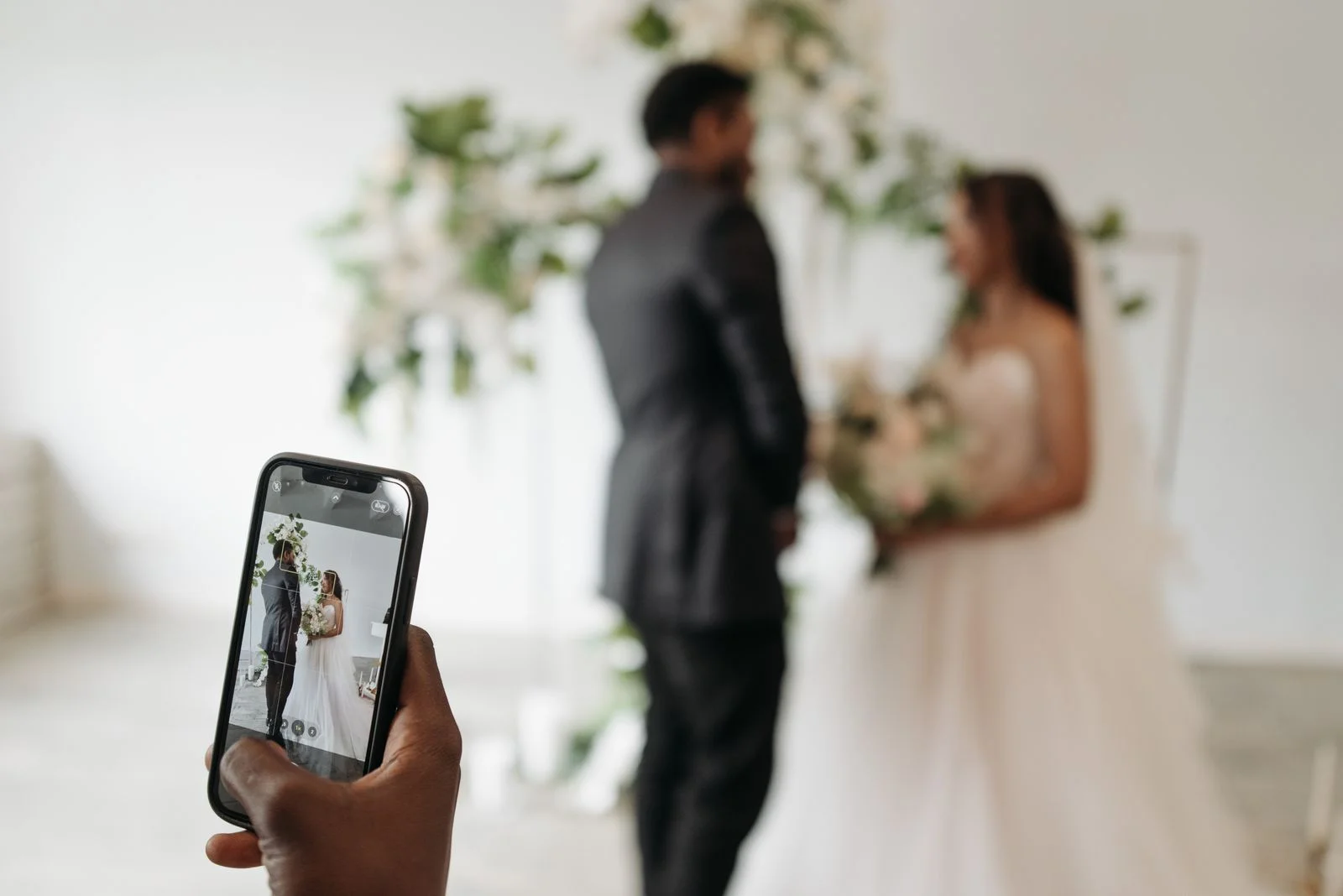
A significant percentage of the best wedding photos are uploaded the day after the wedding. Guests wake up in their hotel rooms, review their camera rolls over brunch or coffee, and edit their favorite shots.
Send a brief thank-you note via text, email, or your wedding website with the direct gallery link. Couples who send a single follow-up reminder typically see a 40% increase in total media collected, especially for longer video toasts and late-night party clips.
For more inspiration on wedding signage and display ideas, explore our in-depth guide on QR Code for Wedding Pictures.

Collect Every Photo from Your Celebration
Start your WedShare wedding album today and never lose a single candid memory.
Frequently Asked Questions
Do guests need to download an app to upload photos?
No. Modern platforms like WedShare operate entirely in mobile web browsers (Safari, Chrome). Guests point their built-in phone camera at the QR code, tap the banner, and upload directly from their photo library without installing any software.
Can guests upload high-definition video files as well as photos?
Yes. WedShare supports original-resolution video uploads in formats like MP4, MOV, and 4K iPhone recordings without aggressive compression.
Are guest-uploaded wedding photos private?
Yes. Albums are unlisted and private to attendees who possess the unique link or QR code. WedShare also offers optional host moderation (approving photos before they display) and optional 4-digit PIN access.
How do the newlyweds download all the photos afterward?
Couples can download their entire collection of photos and videos with a single click as an organized, high-resolution ZIP archive directly from their host dashboard.
How many photos do guests typically take at a wedding?
On average, guests take 20 to 40 photos and videos each during a wedding celebration. For a 120-guest wedding, that represents between 2,400 and 4,800 candid moments.