The Problem With Wedding Hashtags on Social Media
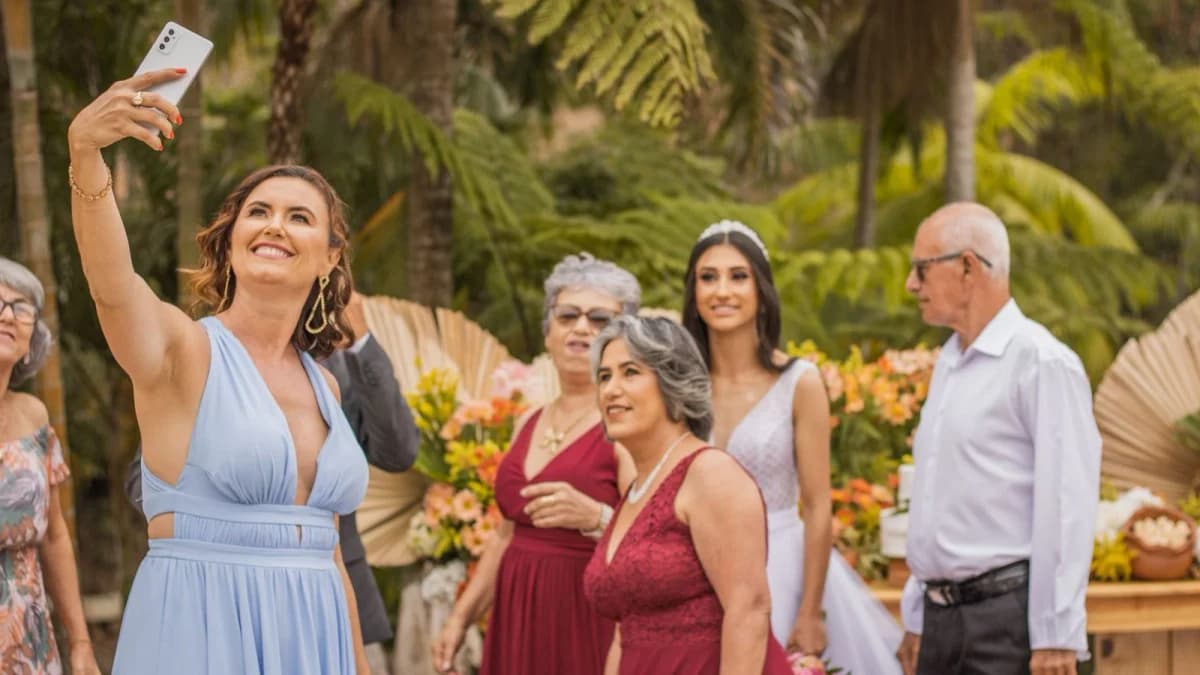
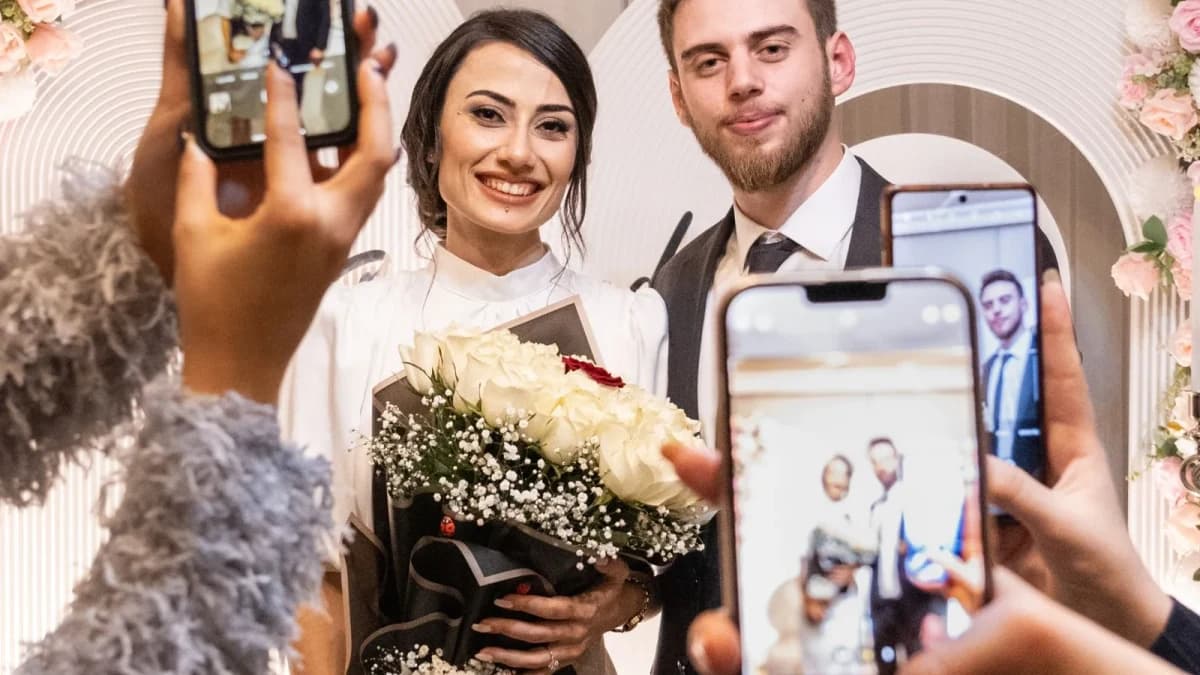
For years, wedding magazines advised couples to invent a wedding hashtag (like #SarahAndDanGetHitched2026) and ask guests to post photos to Instagram. But in practice, hashtags have serious flaws:
- Zero Privacy: Anyone on the internet can search your hashtag and view your wedding, your guests, and your personal celebrations.
- Brutal Image Compression: Instagram and Facebook compress high-resolution smartphone photos down to small web files, discarding crisp original details.
- Low Guest Participation: Many guests do not have public Instagram accounts, and older relatives who do not use social media are completely excluded.
- Missing Videos: Guests cannot upload long video toasts, speeches, or raw clips easily to a hashtag.
Why Group Texts and Drive Links Fall Short
When couples realize social media is too public, they often resort to group chats or cloud drives: - Group iMessage / WhatsApp Threads: Sending hundreds of photos across 50 people quickly crashes group chats, compresses images into tiny low-res thumbnails, and clutters everyone's camera rolls. - Google Drive / Dropbox Folders: When non-tech-savvy guests open a Google Drive link, they are confronted with a login prompt. If they don't have an active account or forgot their password, they give up immediately.
The Modern Solution: Private QR Code Galleries
A dedicated private web gallery like WedShare bridges the gap between total privacy and effortless guest participation:
- Direct Camera Scan: Guests simply point their phone camera at a table tent card or cocktail bar sign.
- Zero Login Friction: The private upload portal opens instantly in their native mobile browser. No app download, no account creation, and zero social media accounts required.
- Full Original Quality: Preserves raw 48MP photos, 4K videos, and live audio recordings directly from the guest's device.
- Completely Intimate: Only guests with the direct link or printed QR card can access the gallery.
Privacy Settings Every Couple Should Look For
When choosing a private photo collection platform, ensure it offers:
- Search Engine Blocking: Automatic noindex, nofollow, and noarchive tags so your private wedding never appears in Google search results.
- Optional 4-Digit PIN Gate: Add an extra layer of privacy so even someone with the link must enter a PIN you provide.
- Host Moderation Queue: The option to review and approve guest uploads before they appear in the public slideshow or gallery.
- Film Roll Mystery Mode: Keep photos hidden until a scheduled reveal time (like midnight or the morning after).
How to Announce Your Private Photo Policy to Guests
Include a short, friendly card at table settings:
*"We invite you to be fully present during our unplugged ceremony. During the reception, please take all the photos and videos you love! To help us keep our celebration private, we kindly ask that you scan the QR code to share your memories directly with us instead of posting to public social media."*

See how guest photo sharing works
Try the sample guest experience before choosing a plan. Your printable resources remain free to use.
Frequently Asked Questions
Can search engines find our private wedding gallery?
No. WedShare albums use cryptographic, non-sequential slugs and strict noindex metadata directives, preventing Google and other search engines from indexing your gallery.
Can guests download the photos or just view them?
As the host, you have full control over whether guests can view the full gallery and download images, or only submit uploads to you privately.
What happens if our venue has weak cellular reception or no Wi-Fi?
WedShare supports offline client queueing in mobile browsers. Guests can snap photos and tap upload; as soon as their phone reconnects to LTE or hotel Wi-Fi later that night, the files automatically sync to your album.
Can we moderate photos before they appear in the public shared album?
Yes. WedShare includes an optional host moderation queue. You or a designated wedding planner can review new uploads from your phone before they become visible to other guests or the live reception slideshow.