You have spent thousands of dollars hiring a master wedding photographer and videographer to capture the sacred moments of your wedding day.
The processional music swells, the church doors open, you take your first steps down the aisle—and when you look ahead, you don't see the smiling, tearful faces of your family and dearest friends.
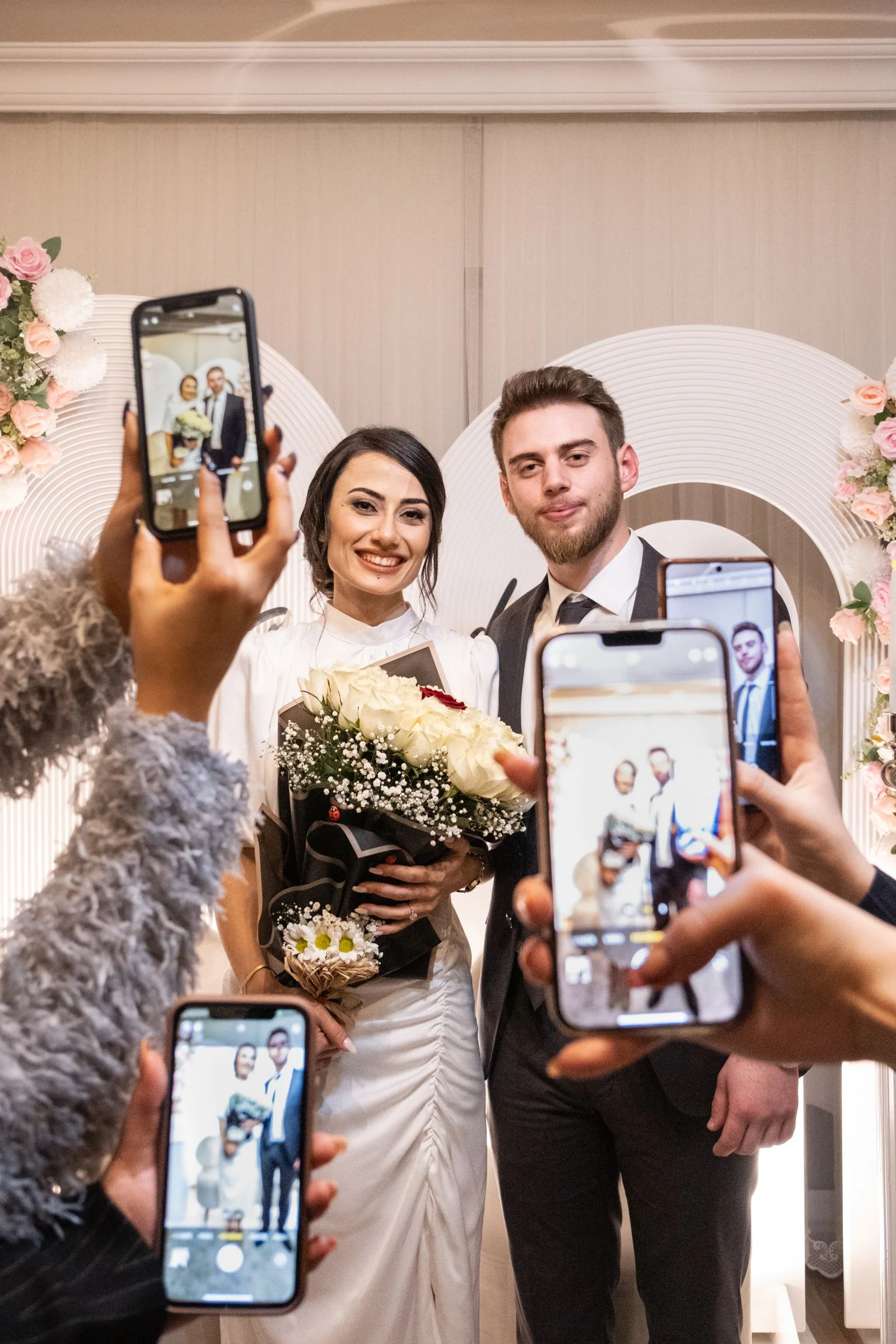
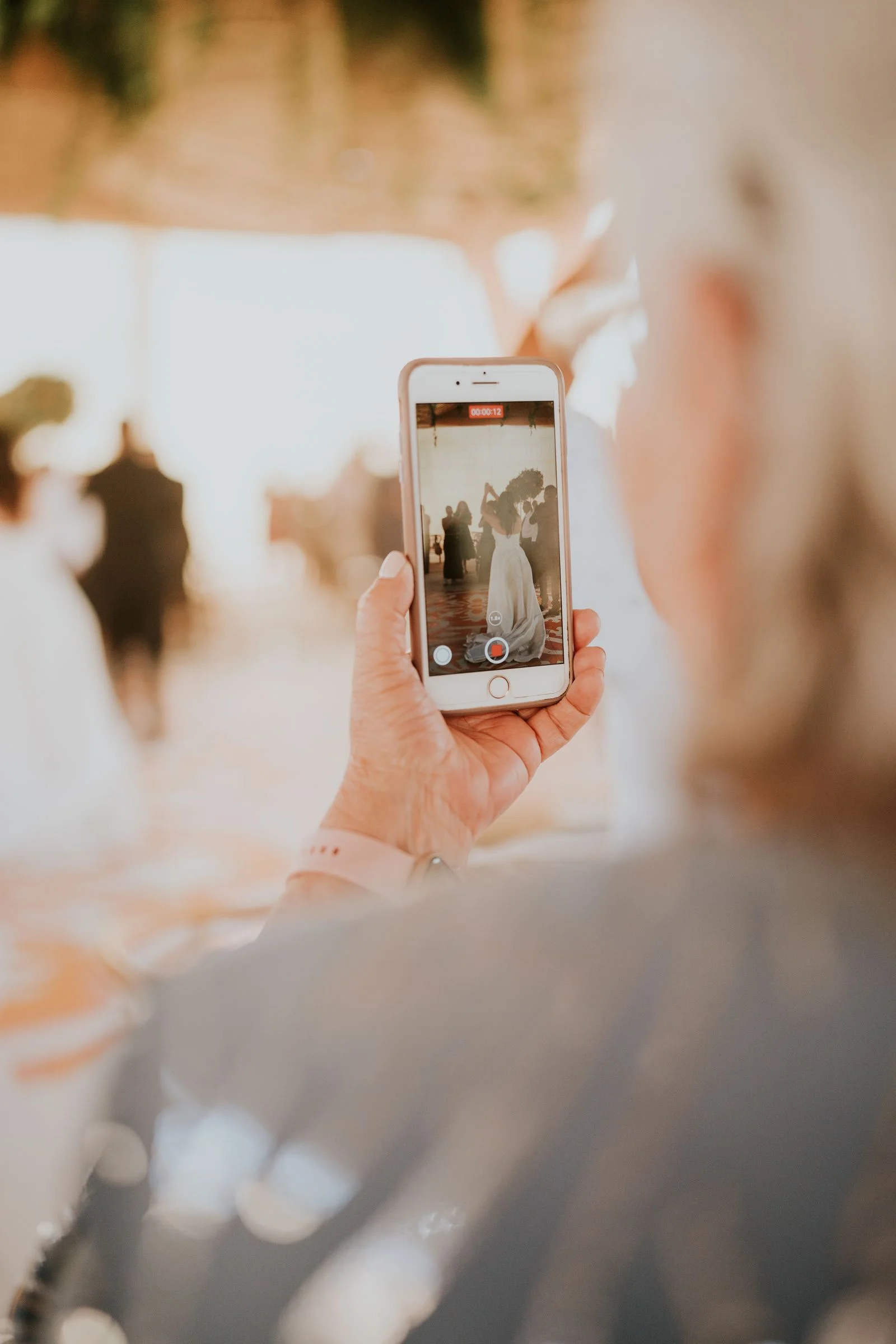
Instead, you see a sea of raised glowing smartphone screens, iPad cases, and extended arms leaning into the center aisle, physically blocking your groom's view and ruining the photographer’s once-in-a-lifetime composition.
An unplugged wedding ceremony invites your guests to put away their devices, silence notifications, and remain fully present with you. Here is how to execute an unplugged ceremony with zero social awkwardness.
The 3-Point Unplugged Communication Strategy
Simply placing one small chalkboard sign near the entrance is rarely enough. Guests walking in talking with friends will walk right past it.
To guarantee 100% compliance, implement a synchronized 3-Touchpoint Strategy:
- Pre-Wedding Touchpoint (Wedding Website FAQ): Prime guests weeks in advance on your wedding website FAQ page.
- Visual Arrival Touchpoint (Aisle Entrance Sign): A prominent 18" × 24" easel sign positioned directly at the start of the ceremony aisle.
- Auditory Touchpoint (The Officiant Spoken Announcement): The single most effective tool of all—a warm, verbal announcement delivered 60 seconds before the bridal entrance.
Signage Wording Templates That Sound Gracious
Avoid harsh, authoritarian language like *"No phones allowed!"* or *"Cameras strictly prohibited!"* Frame the request around intimacy, love, and professional photo sharing:
Option 1: Warm & Welcoming > *"Welcome to our unplugged ceremony. We invite you to be fully present with us today. Please turn off all cellphones and cameras, and let our photographer capture these memories. We promise to share the photos with you afterward!"*
Option 2: Short & Poetic > *"We want to see your faces, not your devices. > Please turn off your phones and cameras until the reception. > Thank you for sharing this sacred moment with us."*
Option 3: Modern & Casual > *"Welcome! We’ve hired an incredible photographer to capture our ceremony. We kindly ask that you put away your phones and enjoy this moment with us. Feel free to snap as many photos as you want at cocktail hour and the reception!"*
The Officiant Spoken Announcement (The Secret Weapon)
A sign is easily overlooked, but no one ignores a person holding a microphone at the altar.
Right after the groom and wedding party enter, but immediately before the bride or partner walks down the aisle, have your officiant step forward and deliver this exact 20-second script:
*"Good afternoon, everyone! On behalf of [Partner 1] and [Partner 2], welcome. Before we begin, the couple has a special request: they have hired a wonderful professional photography team to capture every moment of this ceremony. They kindly ask that you take this moment to turn off all cellphones, put away your cameras, and remain fully present with them as they exchange their vows. Thank you!"*
This verbal cue prompts every guest to reach into their purse or jacket pocket and silence their devices right on cue.
How to Channel Guest Photo Energy at the Reception
Design custom unplugged signage and QR photo displays
Use our free QR code generator to create stylish signage for both your ceremony and reception.
Guests love taking photos. Banning phones during the ceremony works best when you give them an exciting outlet the moment the ceremony ends:
- The 30-Second "Photo Frenzy" Compromise: Some couples have their officiant say right before the vows: *"Okay everyone, the couple will now give you exactly 30 seconds to take your phones out, snap a quick photo, and then tuck them away for the rest of the ceremony!"*
- Display WedShare Reception QR Codes: Place table tents at cocktail hour and dinner tables inviting everyone to unleash their cameras. Guests can scan the QR code and instantly upload all their reception selfies, dance floor videos, and candid group shots into your shared WedShare album without needing to download an app.
Unplugged Ceremony Checklist
- [ ] Add an unplugged ceremony explanation to your wedding website FAQ
- [ ] Include a discreet 1-line note in your printed ceremony programs
- [ ] Position an 18" × 24" unplugged sign at the main aisle entrance
- [ ] Provide your officiant with the written verbal announcement script
- [ ] Prepare reception QR photo sharing signs so guests know their photos are wanted later

Collect Every Photo from Your Celebration
Tell your guests to save their cameras for the reception! WedShare makes collecting every reception photo effortless.
Frequently Asked Questions
Is it rude to ask for an unplugged wedding ceremony?
Not at all. In modern wedding etiquette, unplugged ceremonies are widely respected and appreciated. Guests understand that couples want professional photos free of visual screen clutter.
What is the most effective way to enforce an unplugged ceremony?
The spoken officiant announcement right before the processional begins is by far the most effective method, achieving near 100% compliance when paired with an entrance sign.
Do guests get offended by unplugged ceremonies?
Rarely. When phrased warmly around being "fully present," guests actually feel relieved that they can relax, watch the ceremony, and enjoy the moment without feeling pressured to record it.
Can guests take photos during the reception if the ceremony is unplugged?
Yes! Make sure guests know that the restriction is only for the ceremony. Encourage them to take as many photos as they want during cocktail hour, dinner, and dancing.