QR codes have transitioned from clunky technical novelties into universal everyday tools. Today, restaurant diners, concertgoers, and wedding guests of all generations know instinctively how to point their smartphone camera at a square code to open a link.
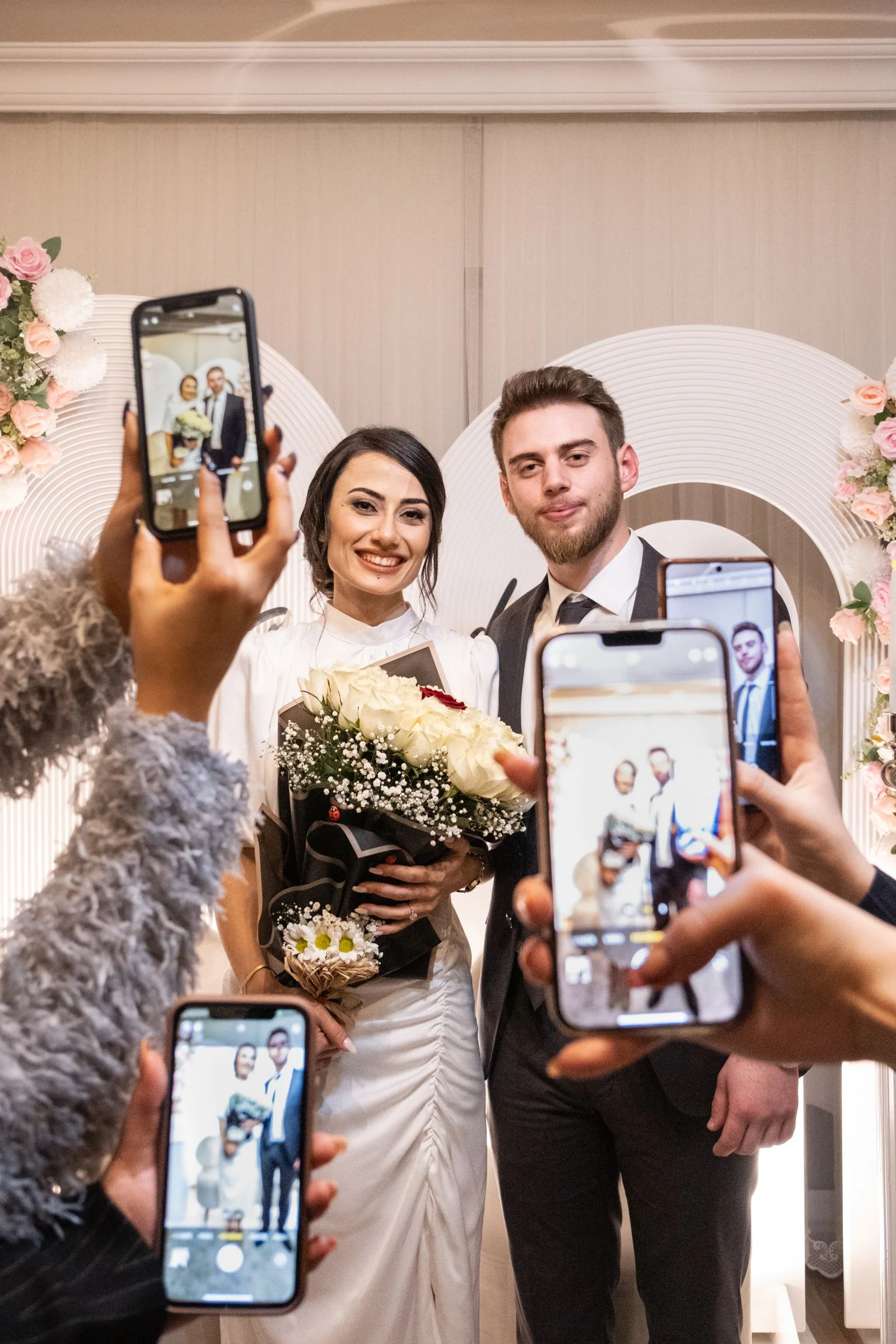
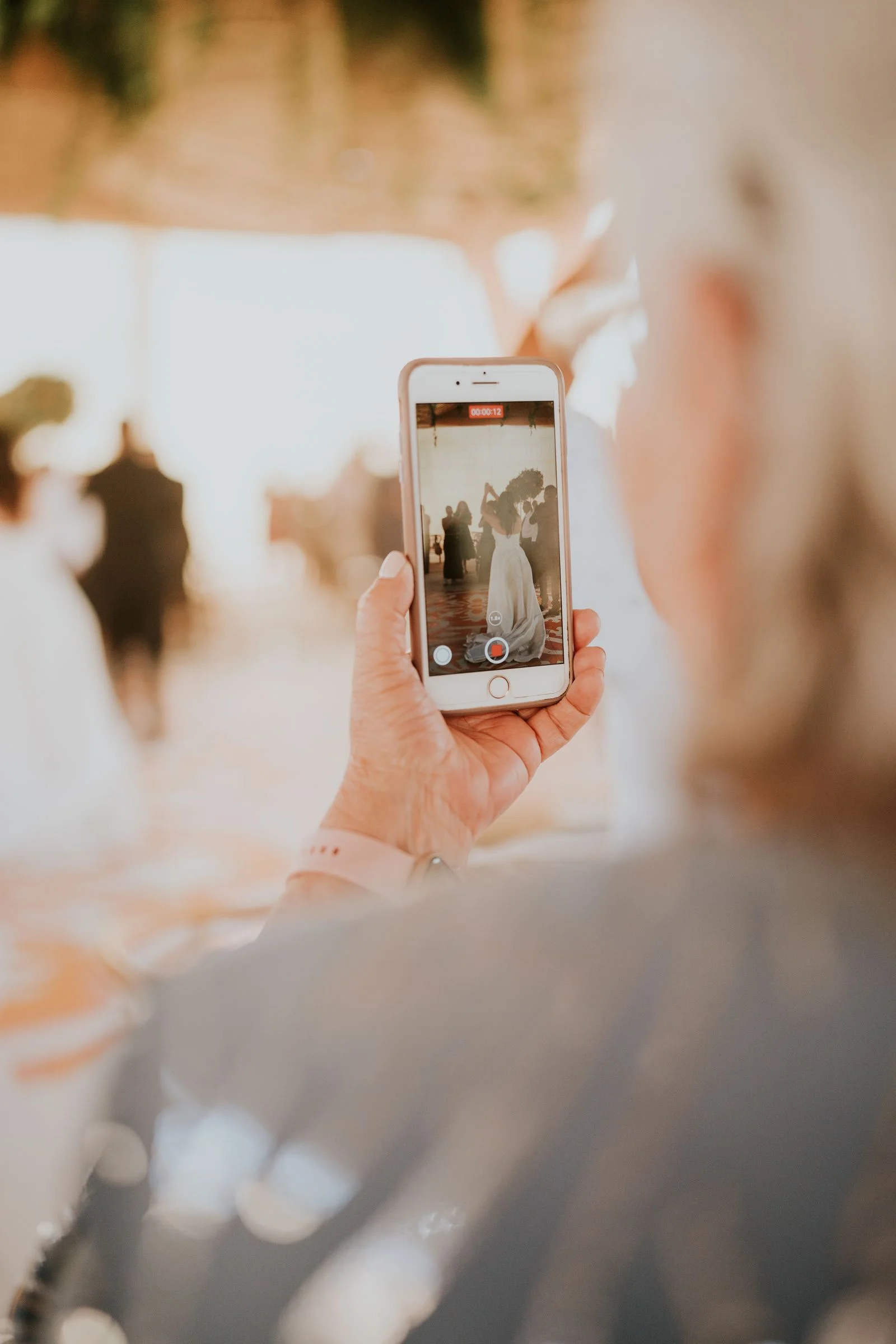
When planned thoughtfully, a QR code for wedding pictures turns passive observers into active memory-makers. Guests seated around your reception tables can scan, browse, and upload their favorite photos within seconds.
This comprehensive guide covers everything you need to know about setting up, designing, sizing, and printing your wedding photo QR codes for flawless scanning on your big day.
How Does a Wedding Picture QR Code Actually Work?
A QR (Quick Response) code is a two-dimensional barcode containing encoded web address data. When viewed through an iPhone Camera or Android Google Lens app, the phone optical sensor decodes the pattern and displays a tap-to-open browser notification.
In the context of your wedding:
1. You create an album on a photo sharing platform like WedShare.
2. The platform produces a unique direct link (e.g., wedshare.online/e/sarah-david) and encodes it into a vector QR code.
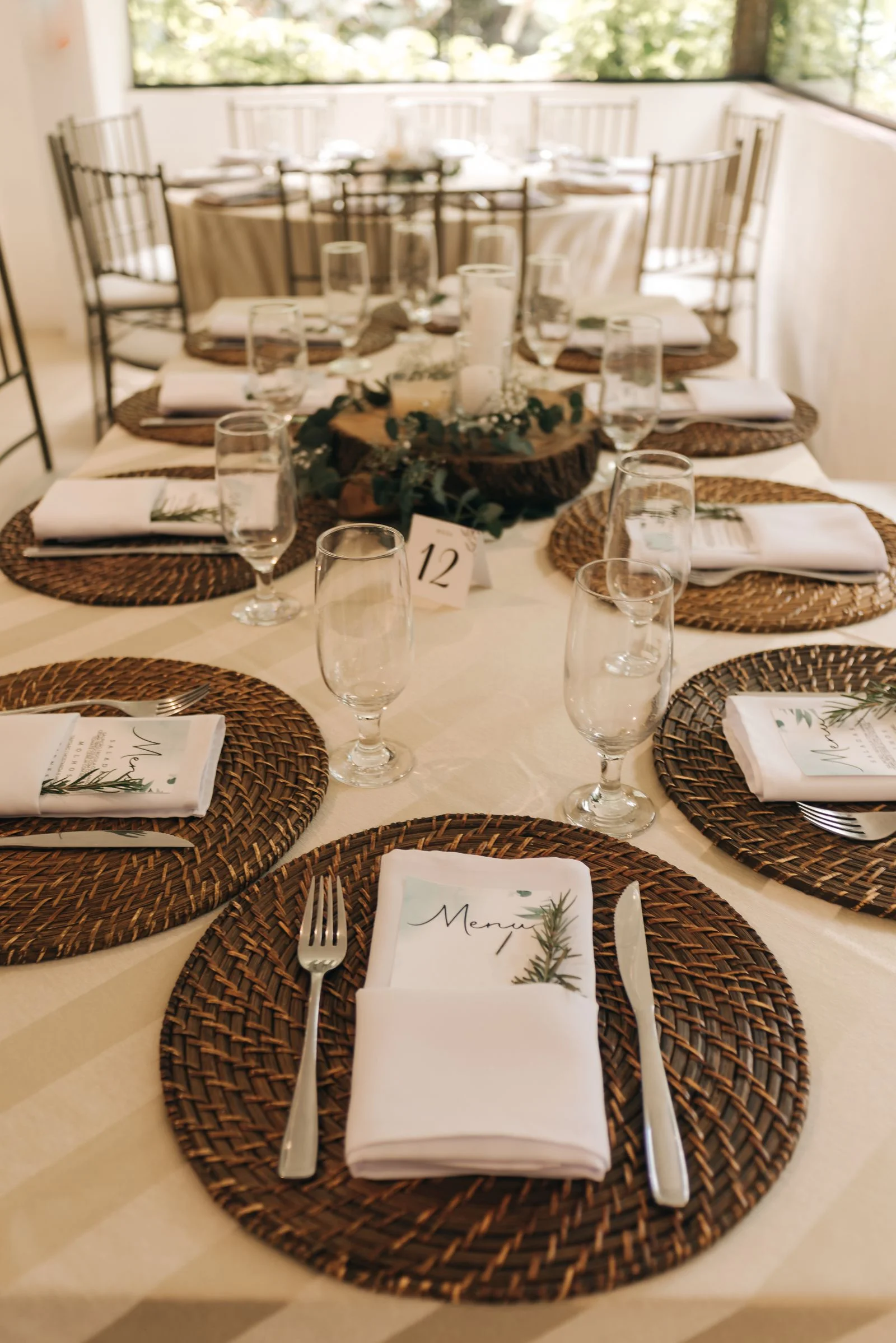
3. You download the QR code image and incorporate it into your reception stationery (table tents, menus, bar signs, welcome easels).
4. On the wedding night, guests scan the code. The album opens instantly in their browser with an "Upload" button ready to accept media from their camera roll.
Step-by-Step: How to Generate Your Wedding QR Code
- Set Up Your Event Album First: Never generate a generic QR code pointing to a blank folder. Set up your dedicated wedding gallery so your upload permissions, PIN settings, and branding are active.
- Download in High Vector Resolution (SVG or 300 DPI PNG): Do not take a screenshot of a QR code on your phone screen! Low-resolution screenshots will pixelate when printed, causing phone cameras to fail to read the alignment squares.
- Choose Your Card Design Template: Select a stationery aesthetic that complements your wedding theme (Minimalist Serif, Floral Botanical, Arch Shape, Rustic Kraft, or Gold Foil).
- Customize the Accents: Match the primary branding color to your wedding palette (Blush Pink, Sage Green, Champagne, or Classic Black).
- Print a Single Test Proof Before Mass Printing: Always print one sample card at home or via your local print shop and test it with both an iPhone and an Android phone under dim lighting before ordering 25 table cards.
Try our completely free, client-side Wedding QR Code Designer to preview your stationery now.
Signage Sizing & Printing Dimensions Guide
The size of your printed QR code must correspond directly to the distance from which guests will scan it. If a code is too small, cameras cannot focus; if it is unnecessarily huge, it overwhelms your table setting.
Recommended Dimensions: * **Table Tent Cards & Menu Inserts (Scanning distance: 1 to 2 feet):** * Overall Card Size: 4" x 6" or 5" x 7" * Minimum QR Code Size: **1.25" x 1.25"** (3.2 cm x 3.2 cm) * **Bar & Cocktail Table Signs (Scanning distance: 2 to 3 feet):** * Overall Frame Size: 8" x 10" * Minimum QR Code Size: **2.0" x 2.0"** (5.0 cm x 5.0 cm) * **Large Welcome Easels & Seating Charts (Scanning distance: 4 to 6 feet):** * Overall Board Size: 18" x 24" or 24" x 36" * Minimum QR Code Size: **3.5" to 4.0"** (9 cm to 10 cm)
Wording Templates for Table Cards and Signs
Design customized wedding QR cards in 60 seconds
Use our free interactive designer to customize colors, couple names, and export print-ready 300 DPI templates.
Clear, concise messaging is essential. Keep your call-to-action brief and emphasize that no app download is necessary.
Elegant & Romantic > **Share the Love Through Your Lens** > > Help us capture every memory from tonight! > Scan the code with your phone camera to add your photos & videos to our wedding gallery. > > *No app download or account required.*
Modern & Minimal > **Snap. Scan. Share.** > > See our wedding through your eyes. > Scan to upload your photos and videos into our private album. > > *Original resolution preserved forever.*
Playful & Casual > **We want to see the photos your photographer missed!** > > Scan the QR code to upload your candid shots, dance floor videos, and table selfies. > > *Takes 5 seconds • No app needed*
5 Critical Technical Rules for Scannable Wedding QR Codes
- Maintain Strong Contrast: Always ensure dark code pixels on a clean, light background (e.g. deep charcoal or burgundy code on ivory paper). Never print a white code on pale blush or metallic paper, as cameras cannot detect contrast in candlelight.
- Preserve the "Quiet Zone": Leave a margin of blank space (at least 4 times the width of one data dot) around the perimeter of the QR code. Crowding text, florals, or borders right up against the edge will corrupt the optical alignment.
- Avoid Glossy Glare: Print on matte, linen, or felt cardstock. High-gloss photographic finishes create reflections under chandelier lighting that blind smartphone lenses.
- Do Not Distort the Aspect Ratio: Never stretch or squeeze a QR code horizontally or vertically. It must remain a perfect 1:1 square.
- Always Include a Fallback URL: Beneath the QR code, always print a short clean URL (e.g.,
wedshare.online/e/emma-jack) for guests who prefer to type it manually or bookmark it on a tablet.
Where to Place QR Code Signs at Your Venue
- Dinner Tables: Place one double-sided sign in the center of every guest table.
- The Bar: Place one 8x10 frame on the main beverage counter.
- Guestbook & Card Table: Invite guests to sign the physical book and upload their digital photos simultaneously.
- DJ / Band Booth: Ask your emcee to make a brief 20-second announcement after speeches: *"Take a look at the QR code on your table to upload your photos tonight!"*
For a complete breakdown of wedding day scheduling, consult our Wedding Day Timeline Builder.

Collect Every Photo from Your Celebration
Create your private wedding album, generate your custom QR code, and print beautiful table stationery.
Frequently Asked Questions
How small can a wedding photo QR code be printed?
For table cards viewed from 12 to 18 inches away, never print a QR code smaller than 1.25 x 1.25 inches (32mm x 32mm). Sizing below this threshold leads to camera focusing failures.
Can you customize the color of a wedding QR code?
Yes, provided you maintain high contrast. Dark colors (navy, forest green, deep wine, black) on white or cream backgrounds scan reliably. Avoid light gold or pastel codes.
What paper finish is best for wedding QR cards?
Heavy matte cardstock (100lb to 130lb cover weight), linen texture, or cotton paper is ideal. Avoid high-gloss paper which creates distracting reflections under venue lights.
Do QR codes expire after the wedding?
Standard QR codes themselves do not expire, but the destination URL depends on your hosting provider. WedShare keeps your album active and accessible for 6 months to 2+ years depending on plan.