In modern wedding planning, your paper invitation is the formal announcement, but your wedding website is the living, interactive hub where guests actually manage their logistics.
A thoroughly planned wedding website saves you from answering dozens of identical text messages about hotel check-in times, shuttle departures, and attire styles in the final week before your vows.
Here is the complete checklist of what belongs on your wedding website.
1. The Essential Must-Have Sections
- Couple’s Names & Wedding Date: Clearly visible above the fold on the homepage.
- Ceremony & Reception Locations: Venue name, full physical address, and interactive Google Maps link.
- Wedding Weekend Schedule: Clear start times for ceremony, cocktail hour, dinner, and send-off. If you are hosting a welcome party or post-wedding brunch, include dates and locations.
- Online RSVP Form: Enables guests to submit attendance and meal choices directly.
2. Travel, Lodging & Local Recommendations
- Hotel Room Blocks: Hotel names, discounted booking codes, direct booking hyperlinks, and cutoff reservation dates.
- Airport Advice: The closest commercial airports and recommended rideshare or rental car options.
- Shuttle & Parking Information: Notify guests if a charter bus is picking up from the hotel block or if the venue offers valet parking.
- Local Favorites: Recommend your favorite local coffee shops, cocktail bars, and sights for out-of-towners.
3. Dress Code & Weather Guidance
Never just write "Cocktail Attire" without context. Include 1–2 helpful sentences: > *"Cocktail attire. The ceremony and cocktail hour will be outdoors on the lawn; lawn-friendly footwear or block heels are strongly suggested."*
Review full definitions in our Wedding Dress Codes Explained Guide.
4. The Essential FAQ Section
Generate matching wedding invitation wording
Use our free tool to craft formal invitations that point guests to your wedding website.
Anticipate common guest questions with an FAQ tab: * Are children invited? *"While we love your little ones, our celebration will be an adult-only event."* * Can I bring a plus-one? *"Due to venue capacity, we can only accommodate guests formally listed on your invitation."* * What time should I arrive? *"Please arrive by 4:00 PM to take your seats before the ceremony begins promptly at 4:30 PM."* * Is parking available? *"Yes, complimentary on-site parking is provided."*
5. Photo Sharing Information (WedShare)
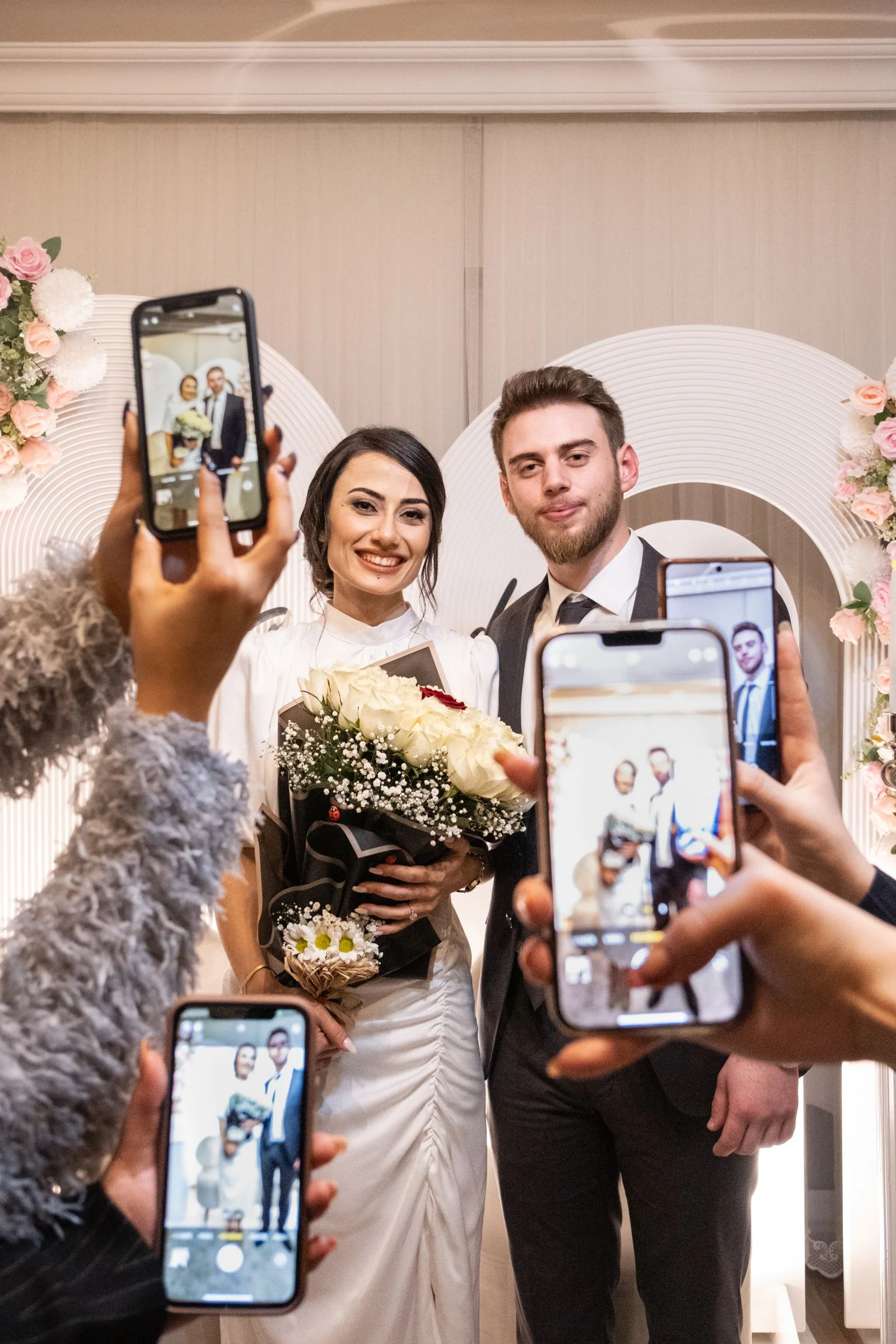
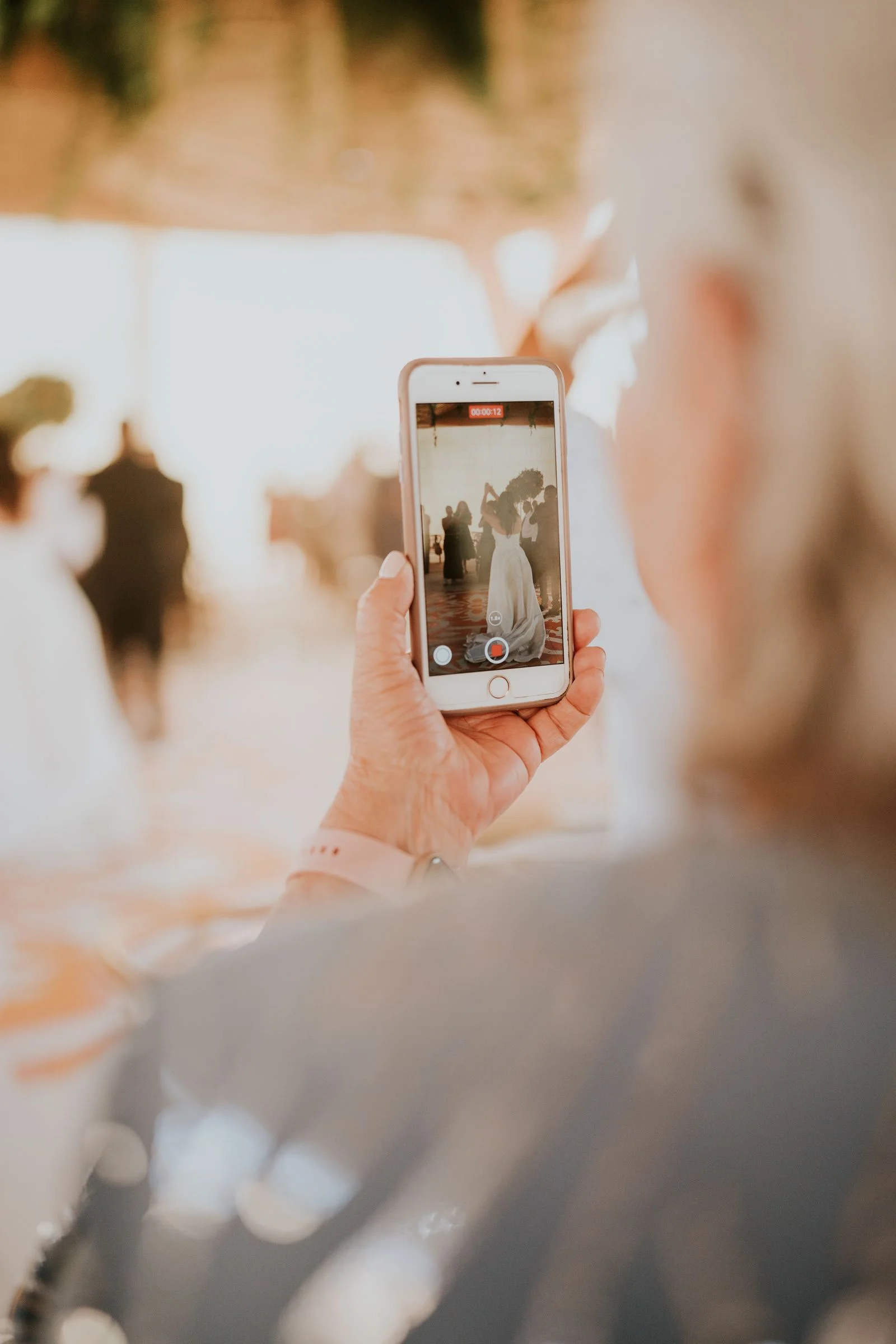
Include a note explaining how you will collect memories: > *"We want to see our wedding through your eyes! We are using WedShare to collect candid photos and videos from our guests. You can scan our table QR codes on the night of the wedding or upload your phone snaps directly to our digital album here: [Album Link]. No app download required!"*
Explore how easy it is in our Guide to Collecting Wedding Photos From Guests.

Collect Every Photo from Your Celebration
Add a live WedShare QR link to your wedding website so guests can drop photos instantly.
Frequently Asked Questions
When should our wedding website be published?
Publish your website at the same time your save the dates are sent (6 to 9 months prior to your wedding date) so early travelers can book accommodations.
Should we password protect our wedding website?
Yes. Adding a simple password protects private venue addresses, hotel discount codes, and your schedule from public internet scrapers and search indexing.
Can we collect RSVPs directly through our wedding website?
Yes. Digital RSVPs reduce printing costs, prevent lost mail, and allow instant tracking of meal choices and dietary restrictions.
Where should we link our WedShare photo sharing album on the website?
Add your WedShare album link on your "Photos" or "Day-Of Details" page, encouraging guests to scan the QR code at their table to upload candid photos.