Decide whether you want an activity or a collection system
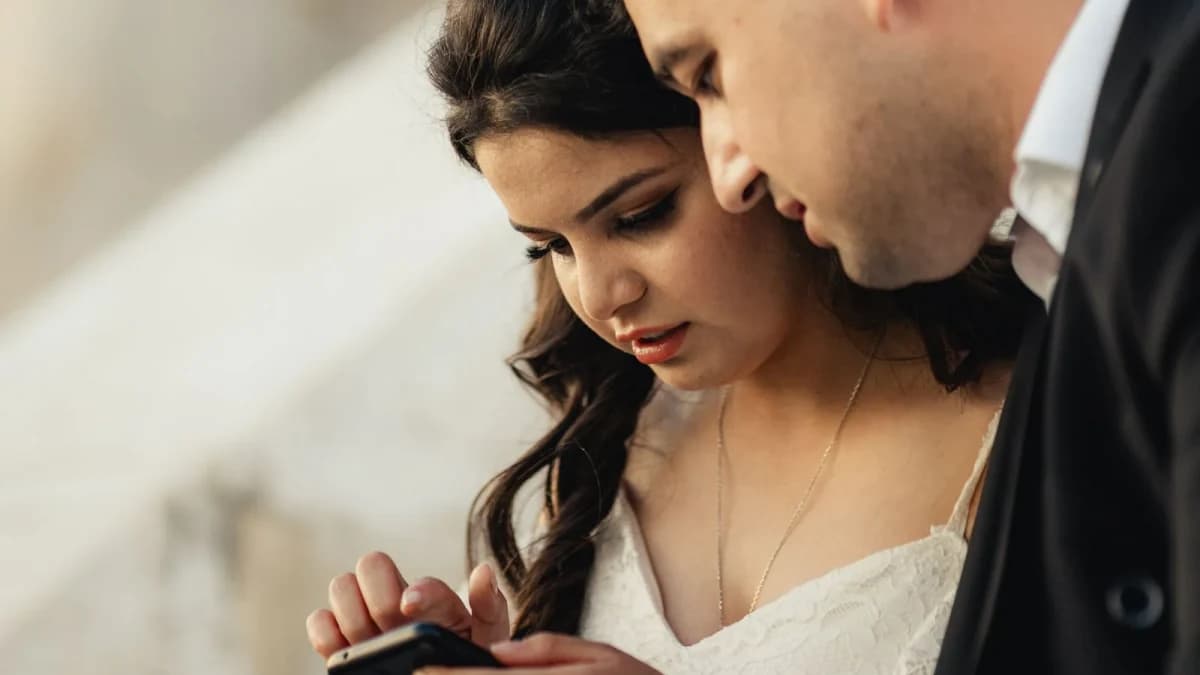
A disposable camera gives guests an object to pass around. A QR code gives them a route to share pictures already on their phones. These solve related but different needs, so using both can be reasonable.
Neither replaces your photographer. Decide how much guest photography fits the atmosphere and follow the ceremony phone rules.
Price the complete camera workflow
Include the camera, developing, scans, shipping and any rush fees. Ask your lab for a current quote and turnaround. Do not compare the camera purchase alone with the whole cost of a hosted gallery.
Prices vary by location, film and lab. Our photo booth cost calculator is a budgeting scenario, not a market quote or a measured camera failure study.
Understand lighting without inventing a failure rate
A film camera's flash range and a guest's handling affect the result. Ask the supplier or lab for the specific camera's instructions and provide a short note on using the flash when appropriate. Do not claim that a fixed percentage of frames will be ruined without evidence.
Phones can also produce blurry or noisy pictures in low light. Previewing a shot is useful, but does not guarantee professional quality.
Plan how the files return to you
Collect physical cameras in a labeled box and track which go to the lab. For phone uploads, use one working destination and include the readable link below the code.
The QR setup guide covers destination testing and print checks. Guests can upload later if venue reception is weak.
Compare privacy and sharing preferences
A camera left on a table can record people who would prefer not to appear. A digital gallery can also be forwarded or displayed more widely than guests expect. Explain the audience and ask before public posting.
Use moderation when the chosen platform supports it, and keep a live screen separate from collection if you do not want every upload immediately displayed. See the privacy checklist.
Keep the final archive independent
After developing, collect both physical negatives where provided and the agreed digital scans. After online collection, download originals before hosting expires. Keep a second copy of the digital archive.
Choose cameras for their physical experience, QR collection for convenient file gathering, or both for different moments. The guest photo checklist offers prompts without promising a guaranteed result.

See how guest photo sharing works
Try the sample guest experience before choosing a plan. Your printable resources remain free to use.
Frequently Asked Questions
Are disposable cameras always cheaper?
Compare camera purchase, developing, scanning and delivery with the complete digital hosting cost. Current local quotes matter.
What percentage of camera photos will fail?
We do not have a documented relevant rate. Lighting, flash range and handling vary.
Can I use both methods?
Yes. A camera can be an activity while a QR destination collects phone photos and videos.
Will QR sharing replace my photographer?
No. Guest contributions are supplementary and do not guarantee professional coverage or quality.