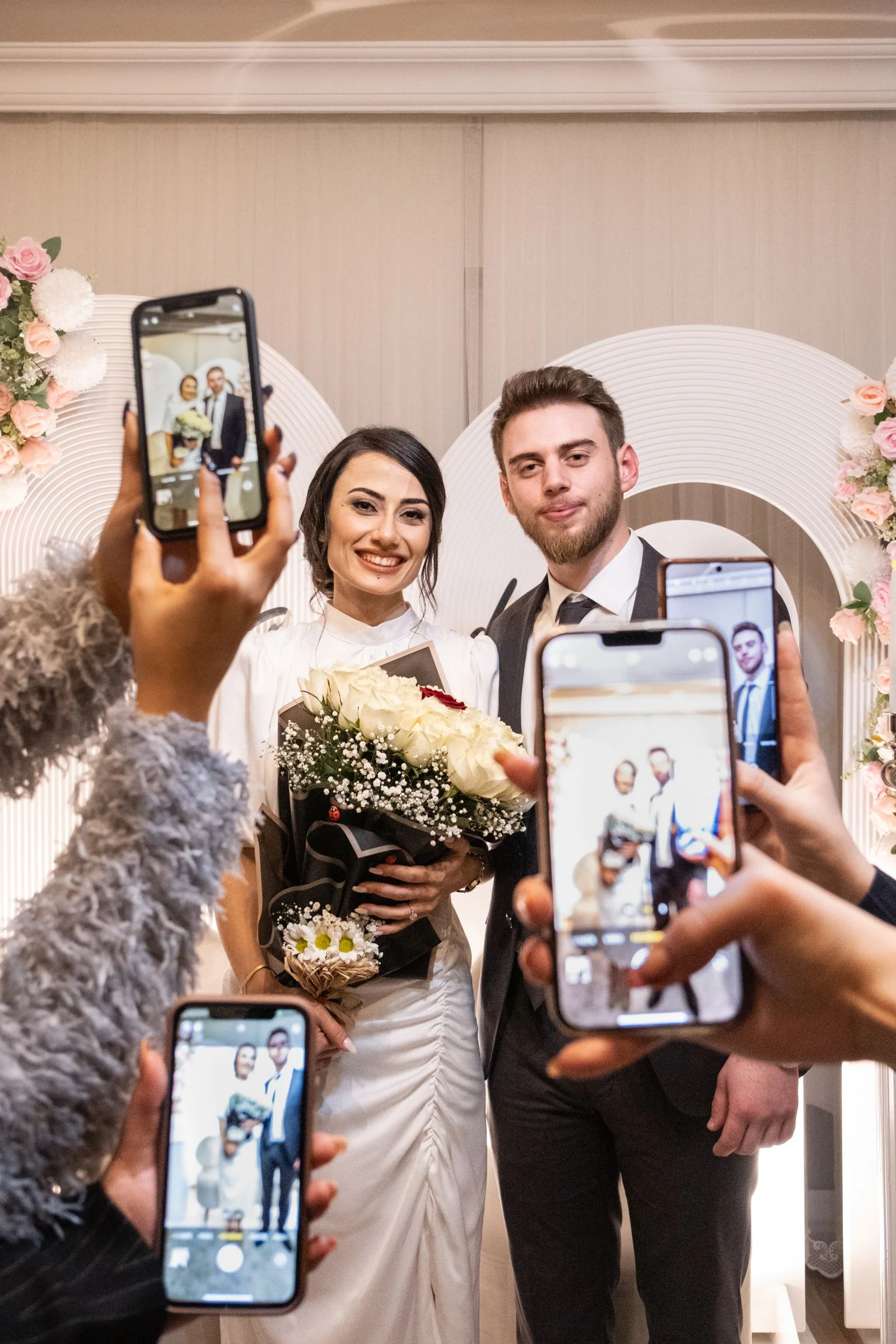
Weddings are expensive. With the average American wedding now costing upwards of $33,000, it is completely natural for couples to look for budget-friendly alternatives whenever possible. When researching how to collect guest photos, many couples ask: *"Can we just use a free app?"*
The short answer is yes, with caveats. Free tools exist, including Google Photos, Apple iCloud Shared Albums, and Dropbox File Requests.
The longer, more realistic answer is that "free" tools were not engineered for weddings. They were designed for enterprise file sharing or personal cloud backup. Consequently, they introduce friction points that frequently cause guests to give up: mandatory account logins, severe storage restrictions, cross-platform exclusions, and aggressive image compression.
In this guide, we analyze what genuinely works, what fails under real wedding conditions, and when a dedicated one-time event platform is worth the modest $39 investment.
The True Cost of "Free" Wedding Photo Sharing
When assessing free photo tools for a wedding, evaluate them through the eyes of your guests: 1. The 80-Year-Old Grandparent Test: Can an older family member who struggles with technology participate without calling you for tech support during dinner? 2. The 10-Second Test: Can a guest scan, choose photos, and upload before their cocktail gets warm? 3. The Cross-Platform Test: Does it work seamlessly for both iPhone and Android users? 4. The Resolution Test: Does it save the raw 12MP/48MP files, or does it crush images down into grainy 1080p web thumbnails?
Let's look at how the most popular free tools measure up.
Option 1: Google Photos Shared Album
Google Photos allows users to create a shared collaborative album and generate a sharing link.
The Good: * Completely free if your storage is under Google's 15GB shared drive allowance. * Familiar interface for heavy Google/Android users. * High reliability and fast cloud sync.
The Hidden Catch: * **Mandatory Google Account Login:** Guests cannot upload anonymously. To add photos to a Google Photos shared album, every single guest must be signed into a Google/Gmail account on their mobile browser. Guests with Yahoo, Outlook, or corporate emails who don't know their Google passwords will hit a brick wall. * **Privacy Issues:** By default, anyone who joins the album can see the Google profiles and names of everyone else who contributed, which some guests find intrusive. * **Zero Wedding Styling:** No printable QR table card generator, no wedding theme, and no moderation controls.
Option 2: Apple Shared iCloud Album
Apple devices offer built-in Shared Albums through the native iOS Photos app.
The Good: * Native integration for iPhone users; no third-party web tools needed. * Does not count against your personal 5GB free iCloud storage quota. * Easy to create directly from your camera roll.
The Fatal Flaw: * **Completely Excludes Android Users:** Approximately 40% to 50% of your guest list uses Android smartphones (Samsung, Google Pixel, Motorola). Android users cannot add photos or videos to an iCloud Shared Album. If you post a public web link, Android users can only view low-resolution images—they cannot upload. * **Aggressive Photo Compression:** Apple limits shared albums to photos with a maximum width of 2048 pixels. Photos are stripped of full camera sensor data, making large prints blurry. Videos are capped at 720p and limited to 5 minutes maximum. * **5,000 File Limit:** Once 5,000 photos and videos are reached, the album locks.
Option 3: Dropbox File Requests
Tired of account sign-in requirements and 2GB limits?
WedShare provides an uncompressed, dedicated wedding photo gallery with unlimited guest uploads for a simple one-time payment of $39.
Dropbox features a "File Request" link allowing anyone to upload files directly into a specific folder on your account without needing a Dropbox login.
The Good: * Guests do not need a Dropbox account to upload. * Works across all mobile browsers on iOS and Android. * Files arrive directly in your Dropbox account.
The Hidden Catch: * **The 2GB Free Limit:** Free Dropbox accounts include only 2GB of total storage. A typical 30-second 4K iPhone video is approximately 200MB. Just ten video clips from your dance floor will completely fill your Dropbox, causing all subsequent guest uploads to fail with an error screen. * **No Collective Guest Gallery:** A File Request is a blind one-way drop box. Guests cannot see photos taken by other tables or enjoy a shared wedding gallery experience.
Option 4: Free "Trial" Wedding Apps
Certain commercial wedding apps advertise themselves as "100% Free," but rely on freemium traps: * Watermarked Downloads: Some platforms let guests upload for free, but charge $80+ to download the photos without watermarks. * Ad-Supported Feeds: Other free tools display intrusive third-party banner advertisements throughout your wedding album. * Severe Photo Caps: Many free tiers allow only 10 to 50 total photos before prompting the couple with an urgent mid-reception paywall.
Summary Comparison: Free vs. Dedicated ($39-$49)
| Feature | Google Photos (Free) | iCloud Shared (Free) | WedShare ($39 One-Time) |
|---|---|---|---|
| Cost | $0 | $0 | $39 one-time |
| Guest Login Required? | Yes (Google ID) | Yes (Apple ID) | None (Scan & Upload) |
| Android & iOS Friendly? | Yes | No (iOS Only) | Yes (100% Universal) |
| Full Original Quality? | Compressed | Compressed (2048px) | Uncompressed Originals |
| Printable QR Templates? | No | No | Yes (Full Studio) |
| Live Reception Slideshow? | No | No | Yes |
| Audio Voice Guestbook? | No | No | Yes |
When Free is Sufficient vs. When to Invest in a Dedicated Hub

- When Free is Fine: If you are having a micro-wedding or elopement with 10 to 15 close tech-savvy friends who all own iPhones, an iCloud Shared Album or Google Photos folder is often adequate.
- When a Dedicated Hub is Essential: If you are hosting 50 to 250+ guests across diverse age groups and phone ecosystems, spending $39 on a purpose-built platform like WedShare prevents confusion and guarantees that hundreds of priceless candid memories are safely collected in full resolution.
Plan your complete celebration with our Wedding Planning Checklist.

Collect Every Photo from Your Celebration
Preserve your wedding memories in full resolution without forcing your guests to register.
Frequently Asked Questions
Can you use Google Drive for wedding photos without paying?
Yes, up to 15GB of free storage. However, guests must log into a Google account to upload, creating friction for non-Gmail users.
Does Apple iCloud Shared Album support Android guests?
No. Android users cannot upload to an iCloud Shared Album under any circumstances.
How much does WedShare cost?
WedShare packages are simple one-time payments: Starter ($39 for up to 2,500 media items), Standard ($49 for 10,000 items + Live Slideshow & Audio Guestbook), and Pro ($79 for large multi-day celebrations).
Do free photo apps compress photos?
Yes. Most free services compress photos to save bandwidth, stripping high-resolution sensor data and reducing video quality to 720p or 1080p.