
Cherry Blossom Wedding Photo QR Table Card
A photo-sharing invitation at each reception table, with a cherry-blossom border around the central QR code.
Free customization and printable PDF, PNG and SVG downloads.
Customize your sign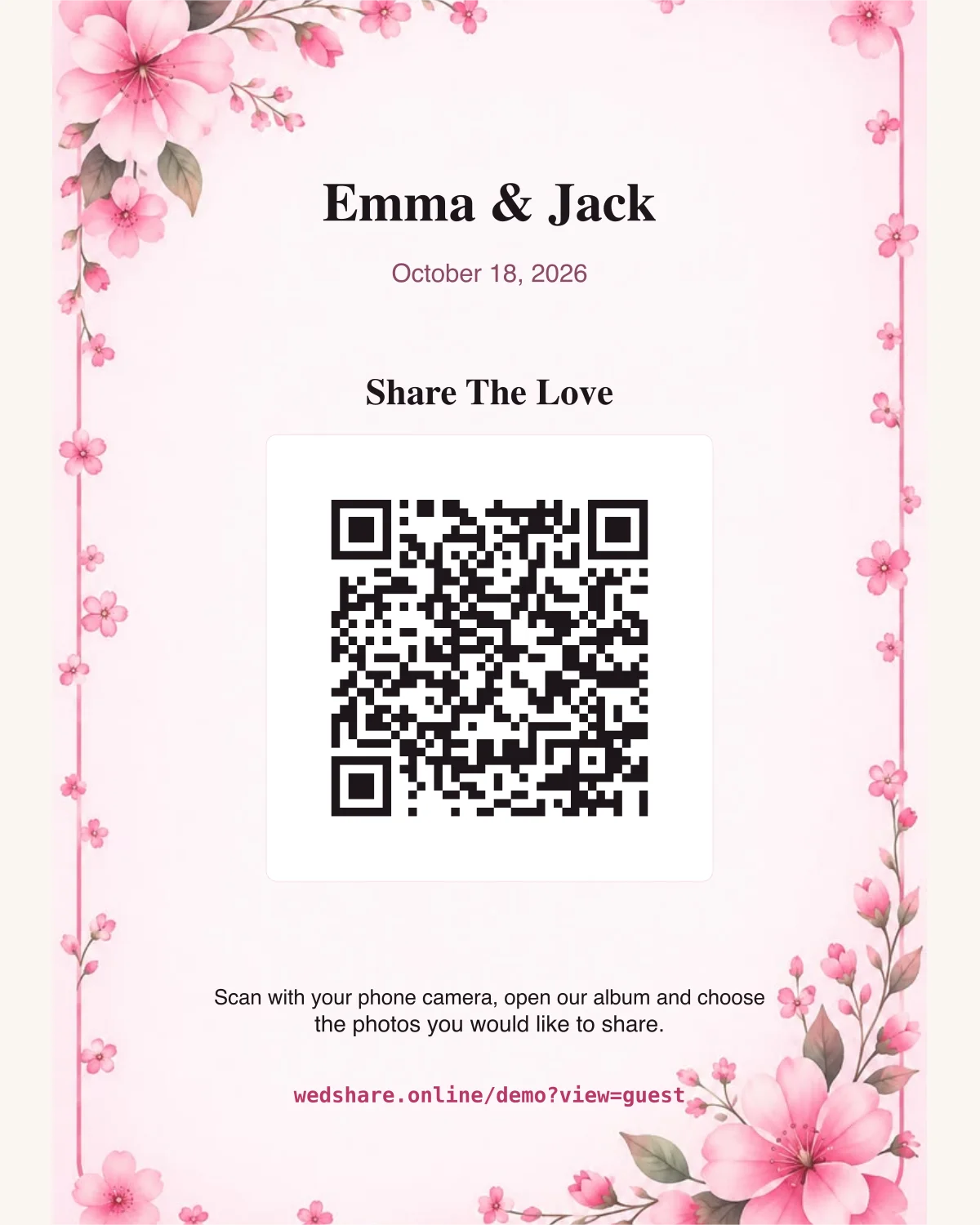
The example above uses the demo link. Enter your own destination below to enable downloads. Changes stay in this browser.
Choose Stationery Template
Select Print Format
Customize Card Copy & Details
Enter the album or wedding website that guests should open. Test it while signed out before printing.
Emma & Jack
October 18, 2026
Share The Love
Scan with your phone camera, open our album and choose the photos you would like to share.
Download Card (5" × 7" Classic Table Card)
Composites the high-resolution artwork, typography, and scannable QR plate without distortion.
Download QR Only (Canva & Custom Design)
Need just the scannable QR code for your own custom stationery, menu, or wedding sign in Canva, Photoshop, or Illustrator?
Where to put it
Place one card in a holder where guests can reach it without leaning over flowers or candles. Keep table numbers on a separate line.
Size and printing
Starts at 5 × 7 inches, suitable for a matching frame or wire holder. Choose matte stock and print at actual size.
Make it yours
Use the couple names and table number to match the reception stationery. Keep the upload instruction short enough to read while seated.
Before printing the batch
Scan a printed card from a dining chair, then open the destination while signed out. A pretty card is not a substitute for a working guest link.
Related designs and setup
Need a shared album too? Explore the WedShare demo. These signs also work with another valid web destination.