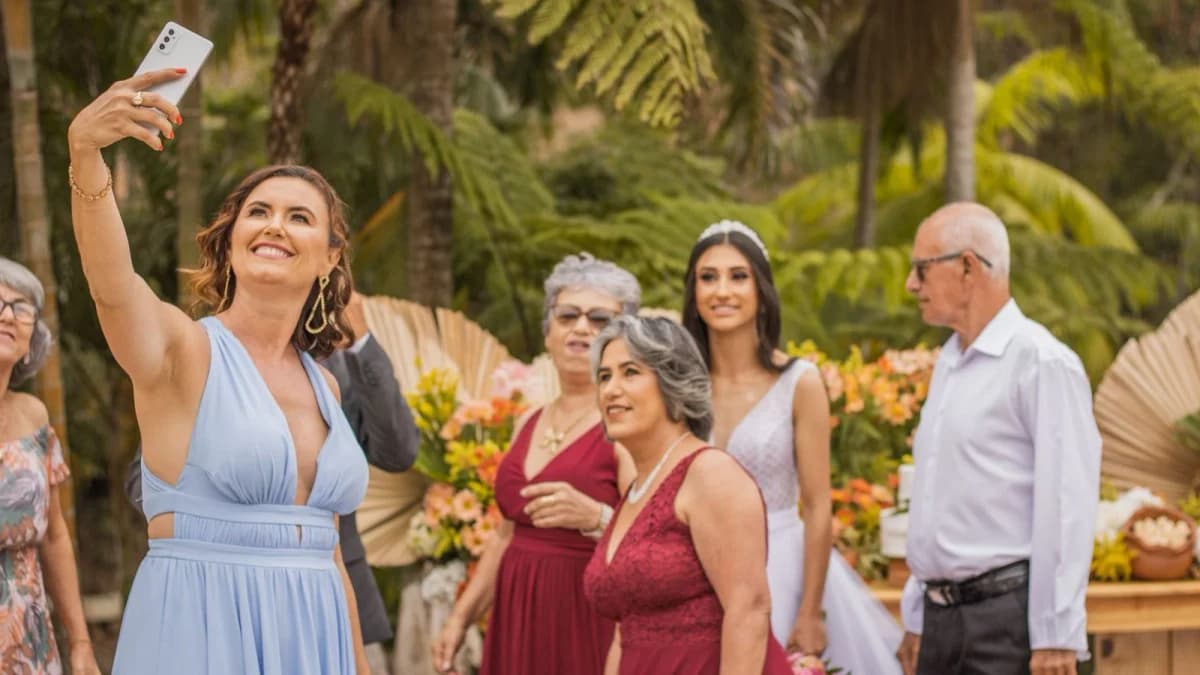

The Participation Cliff: Why Most Photo Apps Fail
Every newlywed knows this heartbreak: you wake up the morning after your wedding hoping to browse hundreds of candid photos, only to find that barely 5 or 10 guests actually uploaded anything to your shared album.
You know your guests took hundreds of incredible photos and videos during dinner, the speeches, and the dance floor. So why did they keep them to themselves?
The answer is friction. In human-computer interaction, every additional step you require a user to take cuts participation in half.
Friction Point #1: The App Store Barrier
If your photo sharing platform requires guests to download an app from the Apple App Store or Google Play Store: - Venue Wi-Fi Bottlenecks: Many countryside venues, historic estates, and rustic barns have spotty cellular service and congested Wi-Fi. Downloading a 150MB mobile application fails or times out. - Storage Constraints: Guests often have full phone storage and don't want to delete personal files to install an app they will only use once. - Immediate Drop-off: Over 70% of guests who see "Download our App" simply close the camera and never upload a single photo.
Friction Point #2: The Account Login Trap
Even if a guest opens a link to Google Drive, Dropbox, or OneDrive: - They are met with a login screen asking for a password, two-factor authentication, or a sign-up prompt. - At a celebratory reception with drinks in hand, nobody wants to enter passwords or verify email confirmation codes.
Friction Point #3: Invisible Signage
Placing a single small QR code sign on a welcome table at the entrance is a recipe for low participation. Guests walk past the welcome table once while carrying coats or greeting friends. They haven't taken any photos yet!
The 4-Step Playbook for 80%+ Participation
To get your guests actively sharing all night long, follow these proven strategies:
- Use Zero-Download Browser QR Codes: With WedShare, scanning the code opens straight into the mobile web browser. Zero apps, zero logins, zero passwords.
- Place QR Cards in Dwell Zones: Put table tents on dinner tables, stickers on cocktail napkins, and framed signs on the bar. Guests upload when they are seated waiting for dinner or standing in line for a drink.
- Turn on the Live Slideshow: Displaying live guest photos on a reception TV or projector screen creates instant social proof. Guests see their friends' photos pop up on the screen and immediately want to share their own.
- Have the DJ Remind Everyone: A 15-second announcement from your DJ before the cake cutting or first dance drives an instant wave of 50+ uploads.

See how guest photo sharing works
Try the sample guest experience before choosing a plan. Your printable resources remain free to use.
Frequently Asked Questions
What is a normal participation rate for wedding photo sharing?
Traditional apps requiring downloads typically see 15–25% participation. Browser-based platforms like WedShare consistently achieve 65–85% active guest participation.
Can guests upload videos as well as photos?
Yes, WedShare supports high-definition video clips as well as full-resolution photos, Live Photos, and audio recordings.
How many QR code signs should we print for our reception?
We recommend printing one 4x6 or 5x7 table tent card for every dinner table, plus two signs at each bar, one sign at the welcome table, and one sign near the photo booth or guestbook station.
Should our DJ or MC make an announcement about sharing photos?
Yes! A brief 20-second shout-out from your DJ right before dinner or before the first dance increases guest participation by over 40%. Have them invite guests to look at the card on their table and scan the code.