Ask for useful clips rather than entire camera rolls
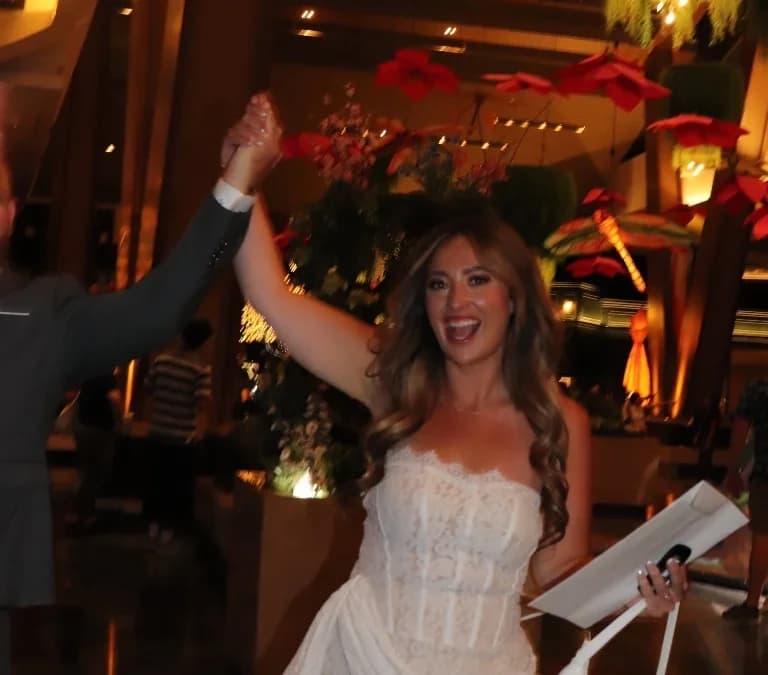
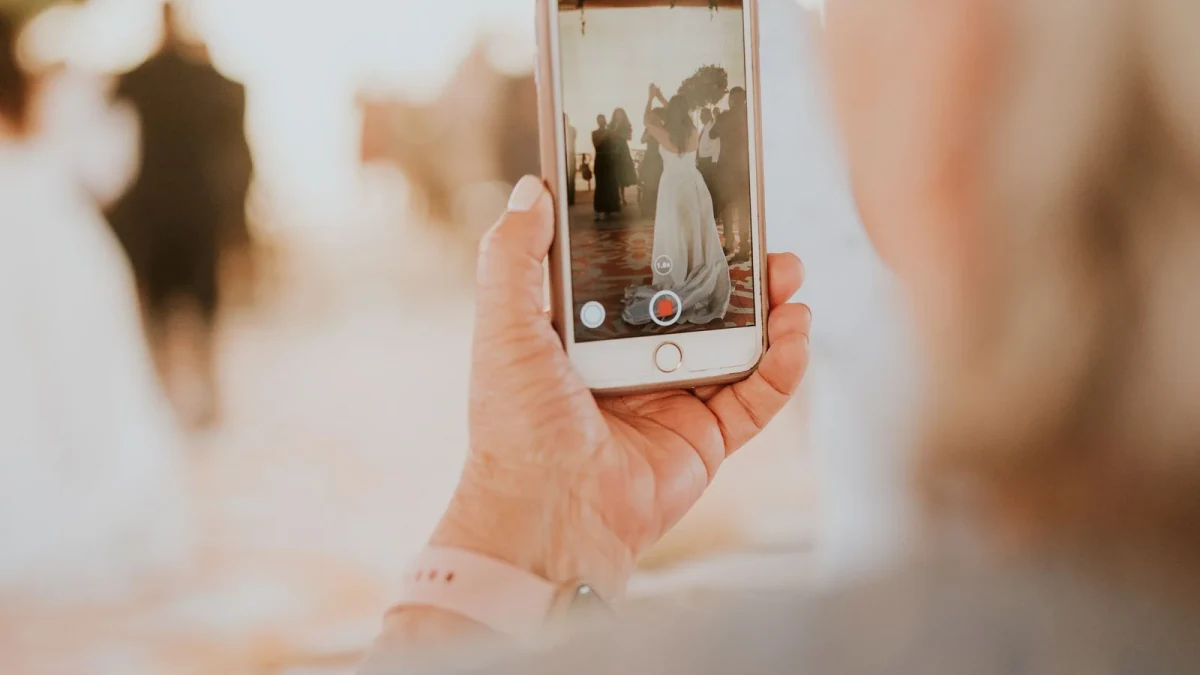
A toast reaction, a short dance-floor moment or a greeting can be more useful than a long recording of the whole evening. Tell guests what you would like and make sharing optional. Ask them not to block the photographer or record an unplugged ceremony.
Use the guest photo checklist for ideas that respect the event rather than turning it into a production assignment.
Check size and format before promising support
A 4K video can quickly become a large file. Upload acceptance and smooth browser playback are different tests. Check the chosen service's file-size limit, format rules and any recording limit.
WedShare's upload validation allows video files up to 250 MB; photos are limited to 50 MB and audio files to 25 MB. That does not guarantee every phone codec plays in every browser. These are implementation limits reviewed October 9, 2026, not a promise that all long 4K recordings fit.
Test receipt and downloaded quality
Use a short, non-private clip from the phones likely to attend. Upload it, confirm the organizer receives it, and download it. Compare file size, resolution and whether the downloaded original opens correctly.
Do not judge the archive solely by a browser preview. A preview can behave differently from a source file. Cloud services' quality settings also matter; Google's quality guide distinguishes Original quality from Storage saver.
Offer an after-event path
Poor venue reception can make video uploads frustrating. Ask guests to keep the clip on their phone and contribute later using a stable connection. Do not promise an offline upload queue unless the platform explicitly offers it.
Suggested wording: We would love your favorite short clips. Upload here: [link] by [date]. If the connection is slow, you can send them after the celebration. Adapt it with the instructions generator.
Keep audio messages and videos distinct
A voice guestbook records an audio greeting, not a video. WedShare audio guestbook access begins with Standard; it is not included in Starter. A microphone permission is part of recording, and guests should choose whether to grant it.
Keep the page's instructions clear so guests can choose a photo, video or audio greeting without accidentally recording. Check the audio guestbook feature if that is the experience you want.
Archive before hosting ends
Check who may view or download clips and obtain permission before using them in public promotion. Download originals before the storage deadline and keep a second copy. A live screen should follow your moderation settings.
The privacy guide and hosting guide explain the remaining choices. Guest video complements professional work; it does not guarantee professional audio or coverage.

See how guest photo sharing works
Try the sample guest experience before choosing a plan. Your printable resources remain free to use.
Frequently Asked Questions
Does 4K support mean unlimited video length?
No. Resolution, file size, codec and duration are different constraints. Check the actual upload limit.
What is WedShare’s video size limit?
Its current upload validation limits a video file to 250 MB. Device formats and browser playback still need testing.
Can guests upload later?
Yes, within the album’s upload window. This is useful when the venue connection is slow.
Is an audio greeting a video?
No. Audio guestbook recordings are a separate feature, included in WedShare Standard and Pro.