QR codes are no longer unusual wedding stationery. The Knot reported in its real wedding studies that 49% of couples included a QR code on their save-the-dates or invitations, up from 38% in 2023 and 20% in 2022.
That does not mean every surface at your wedding needs a black square on it.
The best wedding QR code ideas remove a step. They take a guest directly to the thing they need right now: the RSVP form, the photo album, directions, the menu or the song request. If a guest has to scan three different codes to understand dinner, the technology has stopped being helpful.
Here are 17 uses that can genuinely make the wedding easier or more fun.
1. Collect guest photos and videos
Put a QR code on reception tables or a welcome sign that opens your wedding photo upload page.
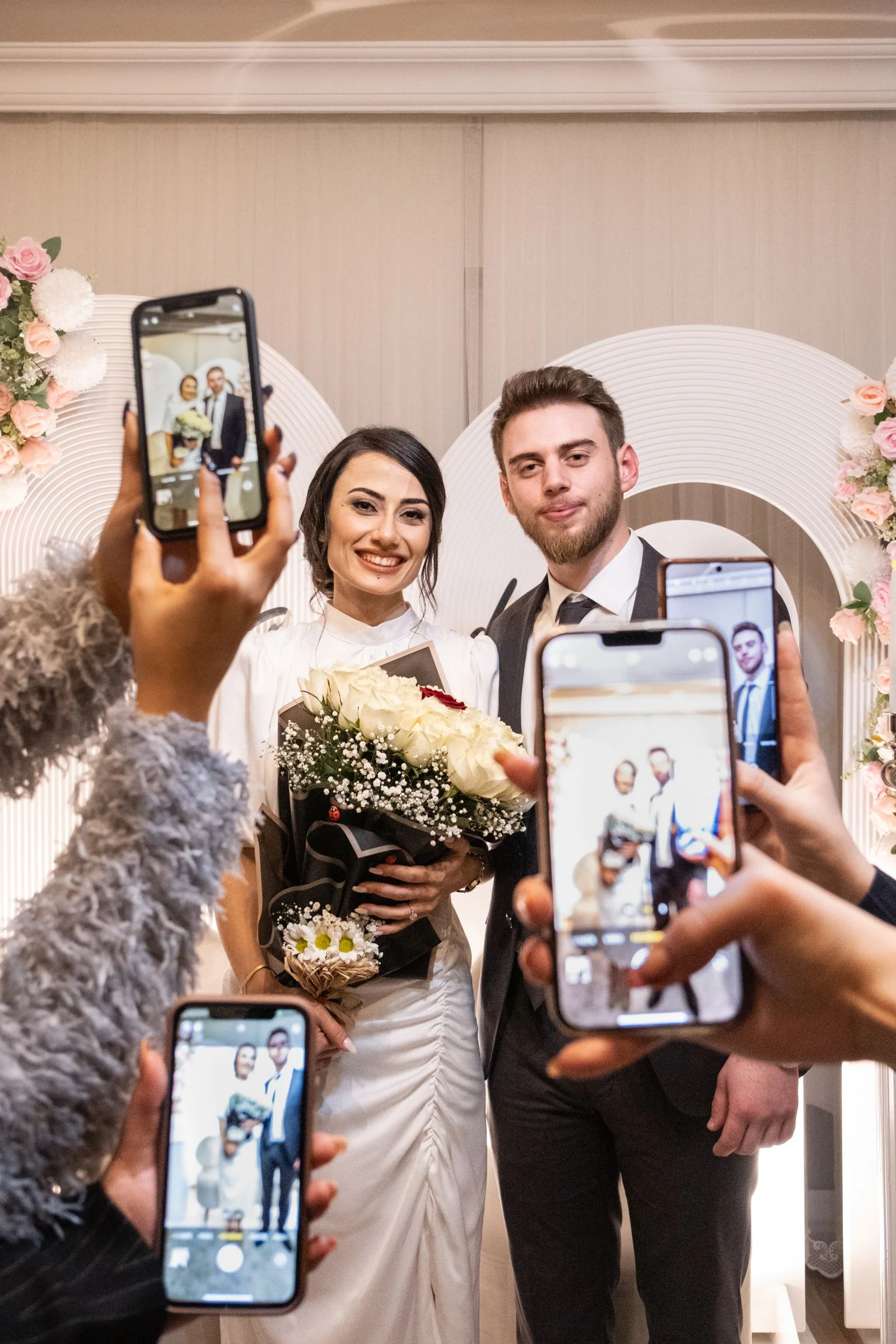
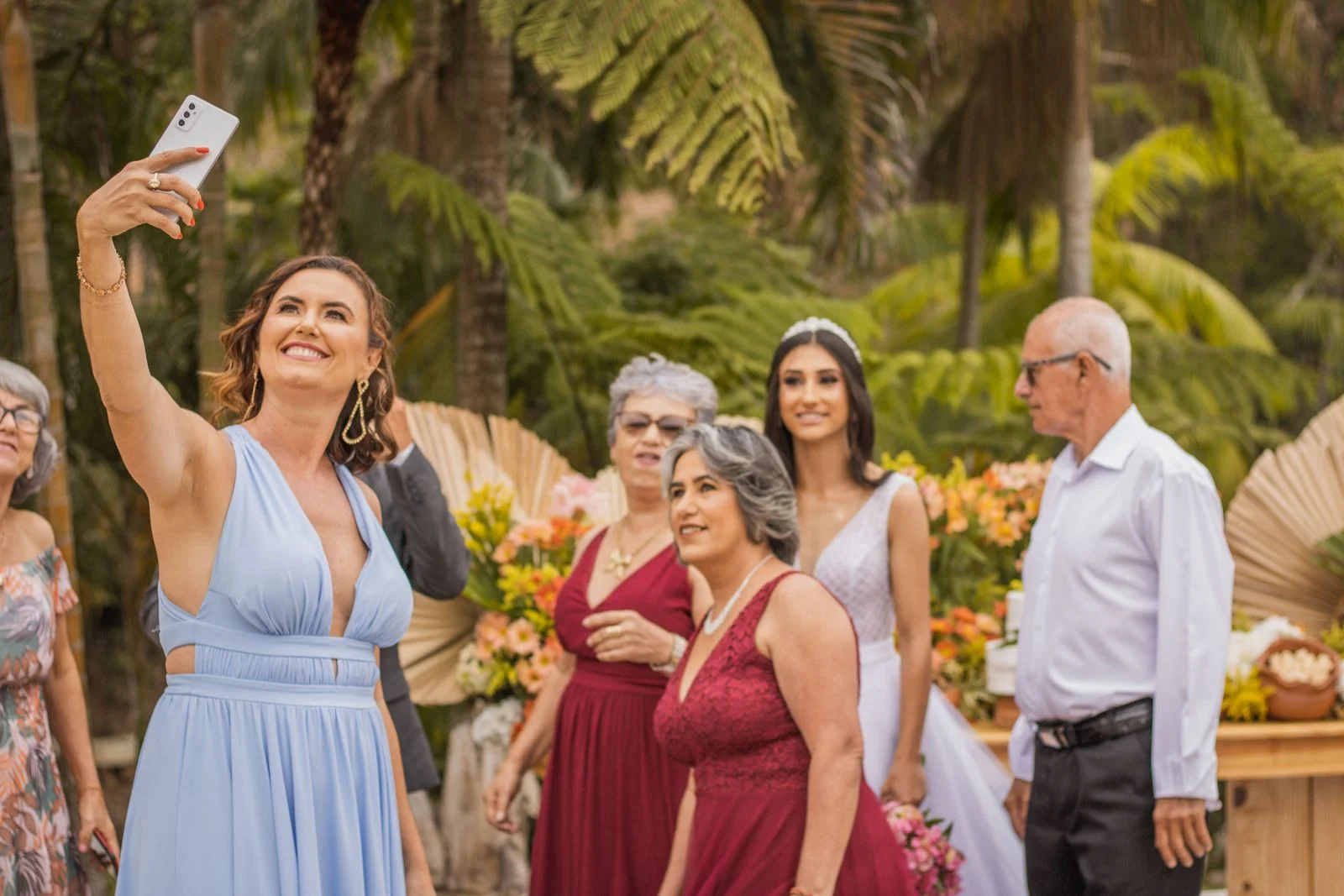
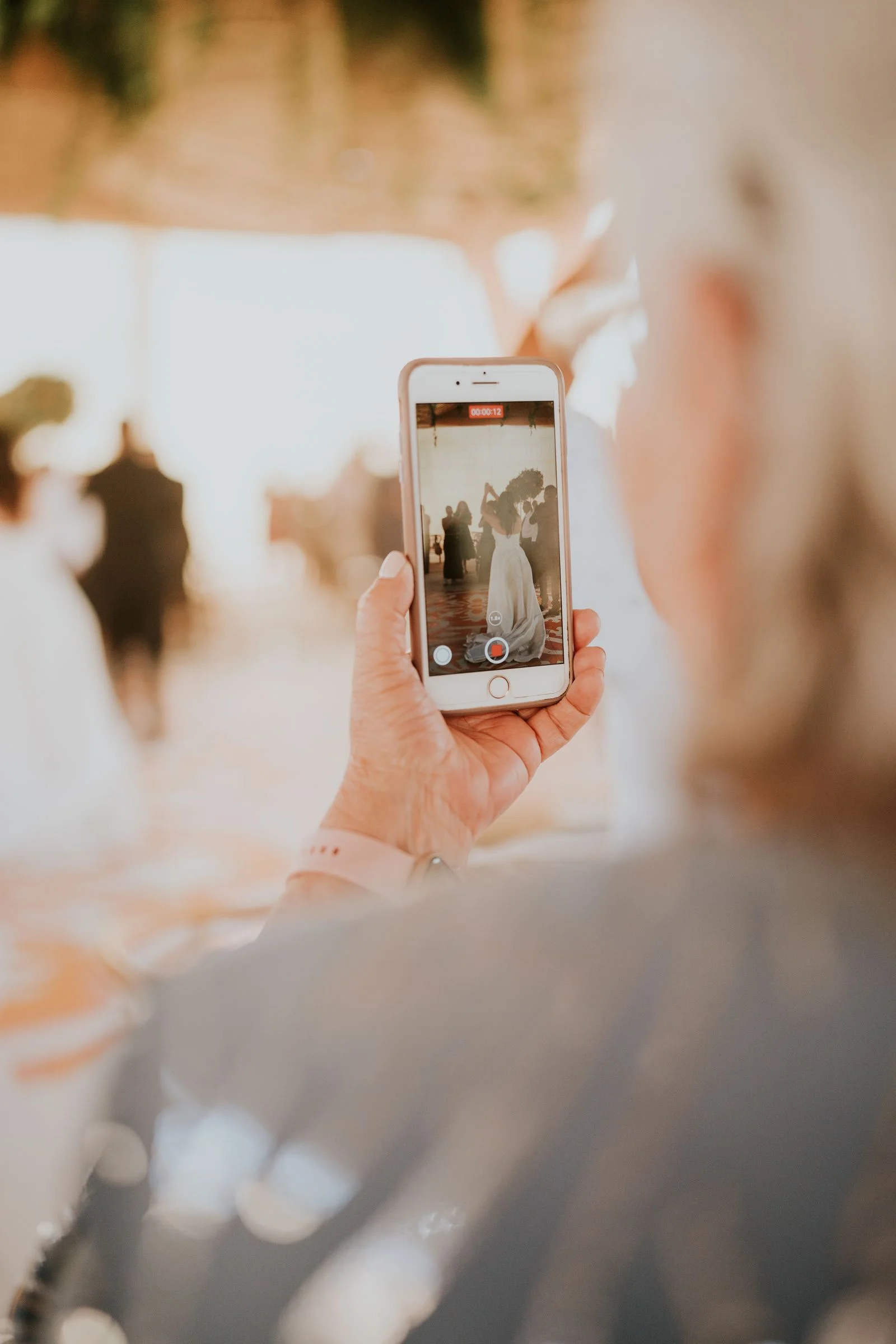
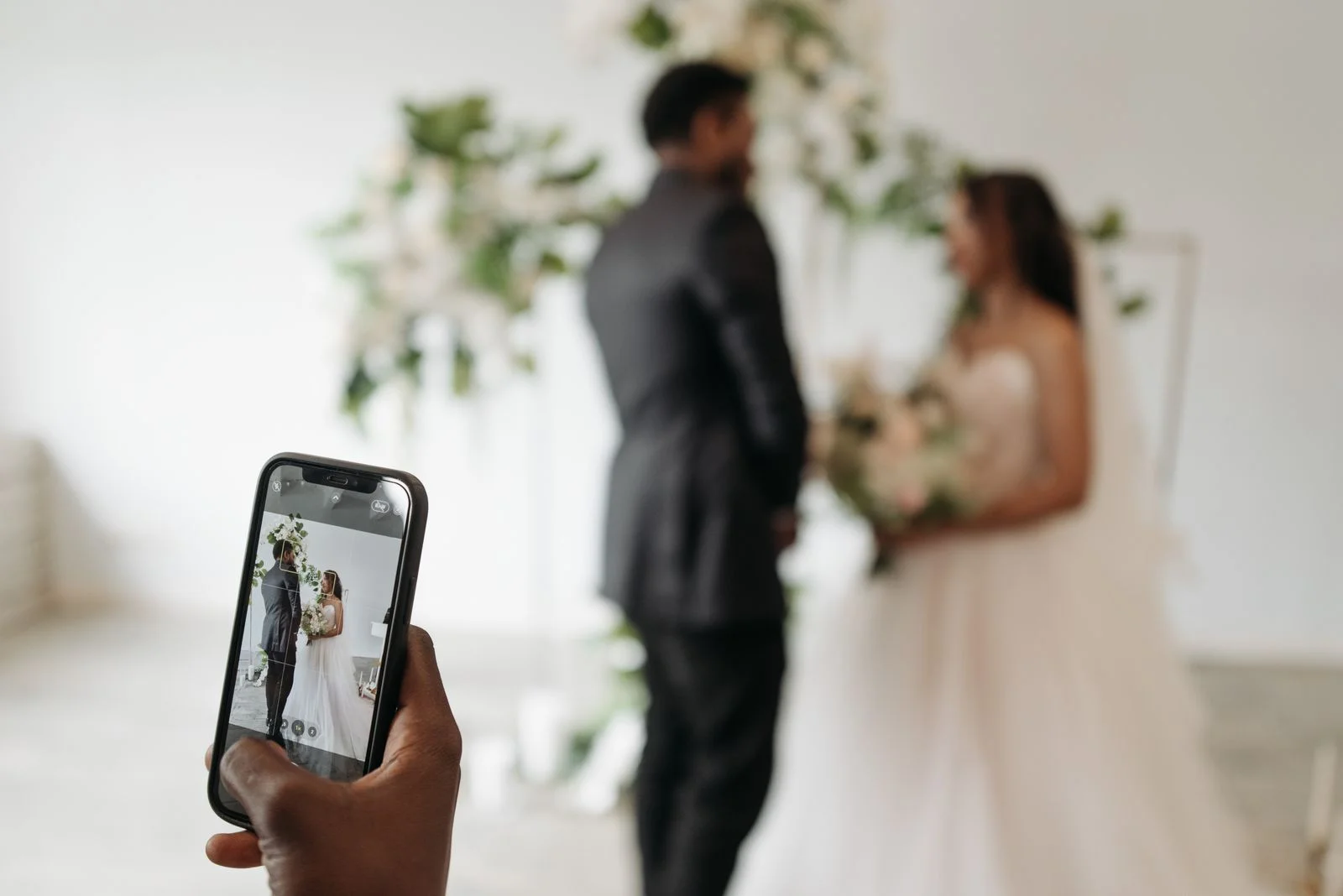
This works especially well because guests already have their phones out taking pictures. The code gives those photos somewhere to go before they disappear into camera rolls. Setting up a dedicated QR code for wedding photos ensures you don't have to chase people after the honeymoon.
Best placement: reception tables, welcome sign, bar and guestbook area.
2. Send guests to your wedding website
A wedding website can hold travel information, hotel details, your schedule, dress code and FAQs.
Instead of printing a long URL on stationery, a QR code can take guests there directly.
Best placement: save-the-date, invitation details card and welcome bag.
3. Make RSVPs easier
A QR code can send guests directly to the RSVP page rather than asking them to type a web address.
For formal invitations, keep the visual design clean. The Knot recommends that QR codes can be placed on the back of an invitation so the front is not cluttered.
Best placement: invitation or RSVP insert.
4. Share the weekend schedule
Need print-ready wedding table cards?
Generate high-resolution PNGs and SVGs with custom couple names, dates, and QR styling ready for print shops with any WedShare album.
Destination and multi-day weddings create a lot of timing questions.
A single code can open a mobile page with the welcome party, ceremony, shuttle departure, reception and brunch schedule.
Best placement: hotel welcome bags, room cards and wedding website.
5. Give directions and transportation details
Link to a page with venue addresses, parking instructions, shuttle pickup points and a map.
Do not rely on a QR code as the only source for essential transportation information. Also provide a readable address or backup URL.
Best placement: welcome bag and schedule card.
6. Show the menu and allergen information
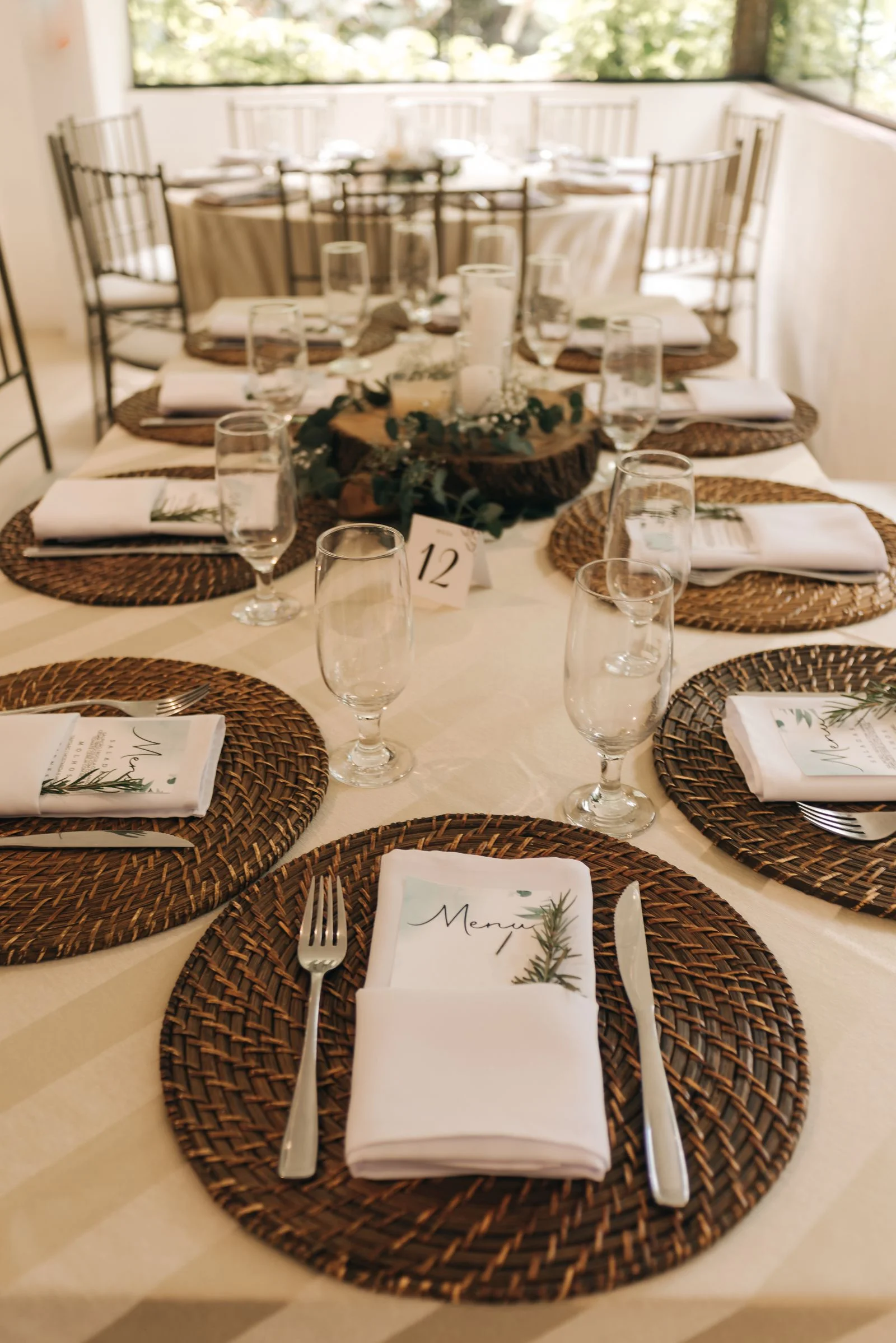
A digital menu can provide more detail than a printed card without overcrowding the table.
This is particularly useful for explaining ingredients or identifying vegetarian, vegan, gluten-free and allergy-aware options.
Best placement: dinner menu or table card.
7. Take song requests
Let guests submit a song request through a short form.
Send the requests to whoever is actually controlling the music. Do not promise that every request will be played.
Best placement: bar, cocktail napkin display or reception table.
8. Build a digital guestbook
A QR code can open a form or guestbook where people leave a note for the couple.
Guests can leave heartfelt personal wishes, memorable relationship advice, and loving messages directly alongside their photos.
Best placement: beside the physical guestbook or at a dedicated memory table.
9. Collect voice messages
An audio guestbook can capture something handwriting cannot: voices, laughter and spontaneous stories.
WedShare includes an integrated browser-based Audio Voice Guestbook where guests record spoken toasts directly from their phones with zero app downloads. Microphone permission requests appear only after the guest intentionally taps to record.
Best placement: guestbook station or quieter lounge area.
10. Run a wedding photo scavenger hunt
Give guests photo prompts such as "a candid laugh," "someone you just met," "the best dance move" or "a selfie with the newlyweds."
The QR code can open the challenge list or the upload page where guests submit their shots. WedShare includes a built-in Missions Drawer that gamifies photo collection with celebratory confetti.
Best placement: reception tables and dance-floor area.
11. Open a live reception slideshow
If your wedding photo platform supports a live slideshow, a QR code can let guests contribute while the screen updates during the reception.
WedShare offers a built-in Live Reception Slideshow that rotates guest uploads on venue projectors in real-time, complete with host moderation so you can approve photos before they appear on the screen.
Best placement: keep the slideshow on the screen; place the upload QR code on tables rather than asking people to scan the television.
12. Share the seating chart digitally
A QR code can provide a searchable or zoomable backup to the physical seating chart.
Do not make it the only way to find a table. Battery issues, poor reception and accessibility needs make a physical option worth keeping.
Best placement: entrance near the printed seating chart.
13. Link the gift registry
For guests who ask, a QR code can point to the registry or wedding website.
This makes more sense on pre-wedding material than displayed prominently at the reception.
Best placement: wedding website, shower invitation or details card where etiquette allows.
14. Create a destination wedding guide
Give traveling guests one mobile page with restaurants, coffee, local attractions, emergency numbers, transportation and your weekend plans.
Best placement: welcome bags and hotel check-in materials.
15. Share a late-night food menu
If you have a food truck, snack bar or late-night menu with choices, a small QR code can show the options without another full-size printed sign.
Best placement: bar or late-night food station.
16. Collect advice or date-night ideas
A tiny form can ask guests one fun question: "Where should we go for our first anniversary?" or "What's your best marriage advice?"
Keep it optional and short. This works best as an entertainment detail, not another required wedding task.
Best placement: dinner tables or guestbook area.
17. Send the final wedding album after the event
The same habit can continue after the wedding.
A QR code on a thank-you card can take guests to a finished gallery, highlight reel or wedding website. If you are sharing professional images, confirm your photographer's delivery and sharing terms first. Compare our guide on sharing wedding photos with guests for delivery workflows.
Best placement: thank-you cards or post-wedding email.
One QR code or several?
Use fewer codes than you think you need.
For pre-wedding stationery, a single code that opens your wedding website is usually cleaner than separate codes for RSVP, hotels, schedule and registry.
At the reception, it can make sense to have one separate photo-sharing QR code because you want guests to take a specific action immediately.
A useful rule is: one code, one obvious purpose.
If the same code opens a page with 12 tiny buttons and the guest has to figure out which one matters, you have recreated the menu navigation you were trying to avoid.
How to make wedding QR codes easier to scan
Use dark code elements on a light background, preserve clear space around the code and test the printed version before you order everything.
Do not distort the QR code to fit a frame. Do not place it over a busy photo. Do not print it so small that a guest has to pick up the sign and hold it inches from the camera.
Always include a few words explaining where the scan goes. "Scan here" is weaker than "Scan to add your photos to our album."
For critical information, include a short backup URL or human-readable version as well. When choosing between platforms, reviewing our wedding photo sharing app criteria will help identify which services provide high-resolution print assets.
Where should wedding QR code signs go?
Put the code near the moment when the guest needs it.
- Photo upload: reception tables and bar.
- Schedule: hotel and welcome bag.
- RSVP: invitation.
- Menu details: table.
- Transportation: welcome material.
- Guestbook: guestbook station.
Placement should follow behavior, not decoration.

Collect Every Photo from Your Celebration
Using a QR code for wedding photos? WedShare gives your guests one simple upload destination for the moments on their phones.
Frequently Asked Questions
What can I use a QR code for at a wedding?
Common uses include RSVPs, the wedding website, guest photo uploads, schedules, directions, menus, song requests, digital guestbooks and post-wedding galleries.
Where should I put a QR code for wedding photos?
Reception tables, the welcome area, the bar and the guestbook table are all natural places where guests have time to scan.
Should I put a QR code on my wedding invitation?
You can. A QR code can lead to your RSVP or wedding website. Keep the invitation readable and provide an alternative for guests who cannot or do not want to scan.
How many QR codes should a wedding have?
Use as few as practical. One general wedding website QR code before the wedding and one action-specific photo upload code at the reception is often easier than giving guests many competing codes.