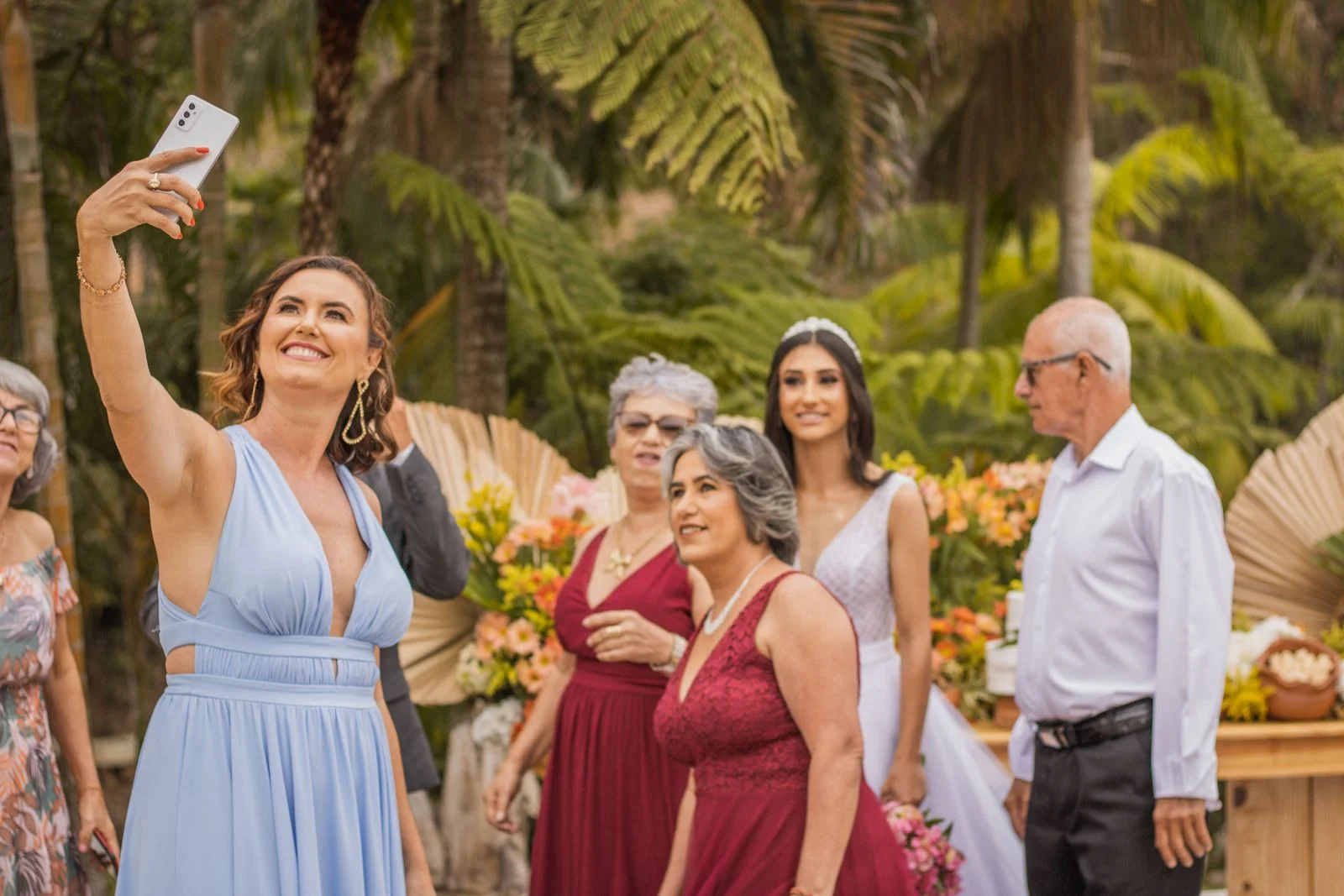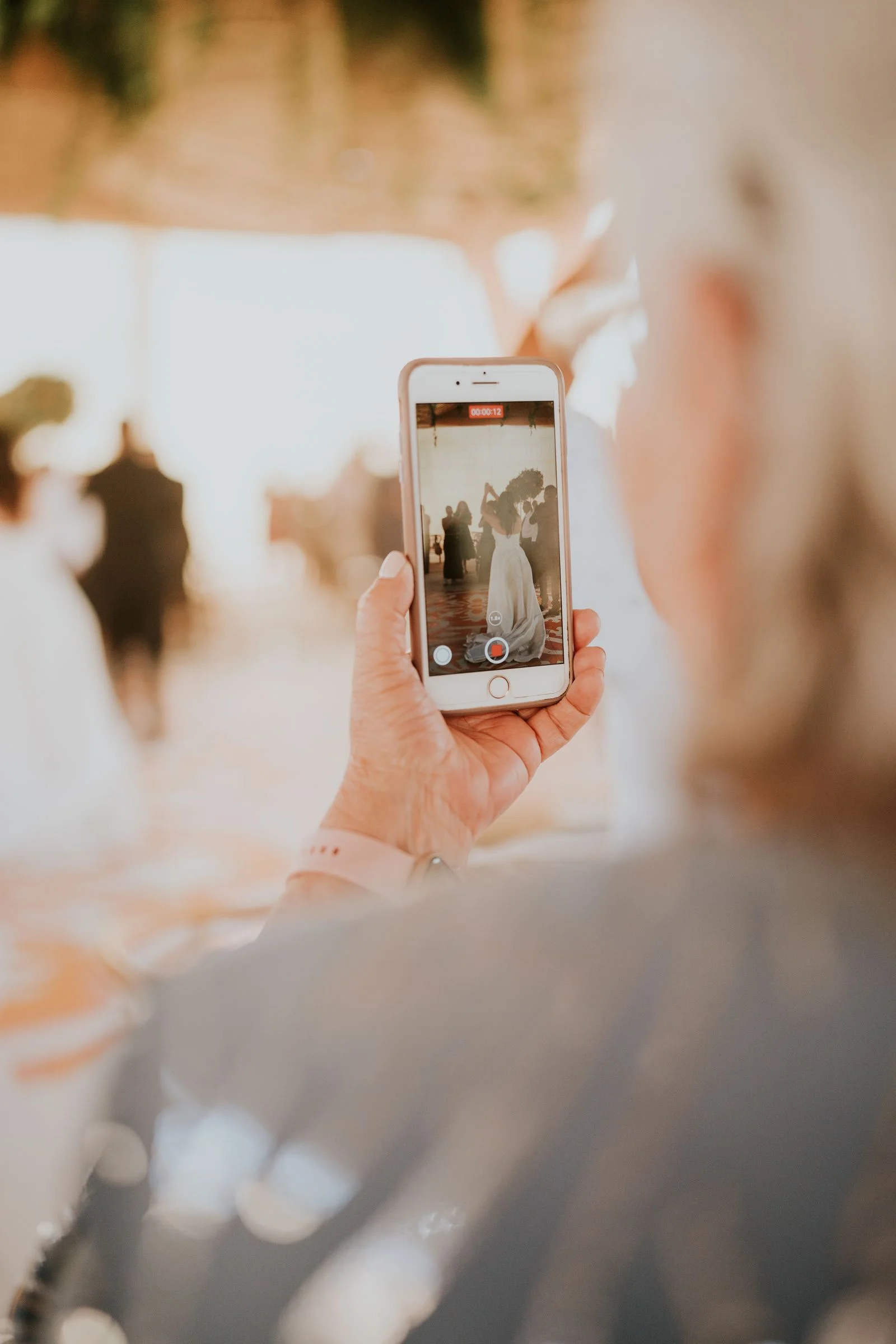
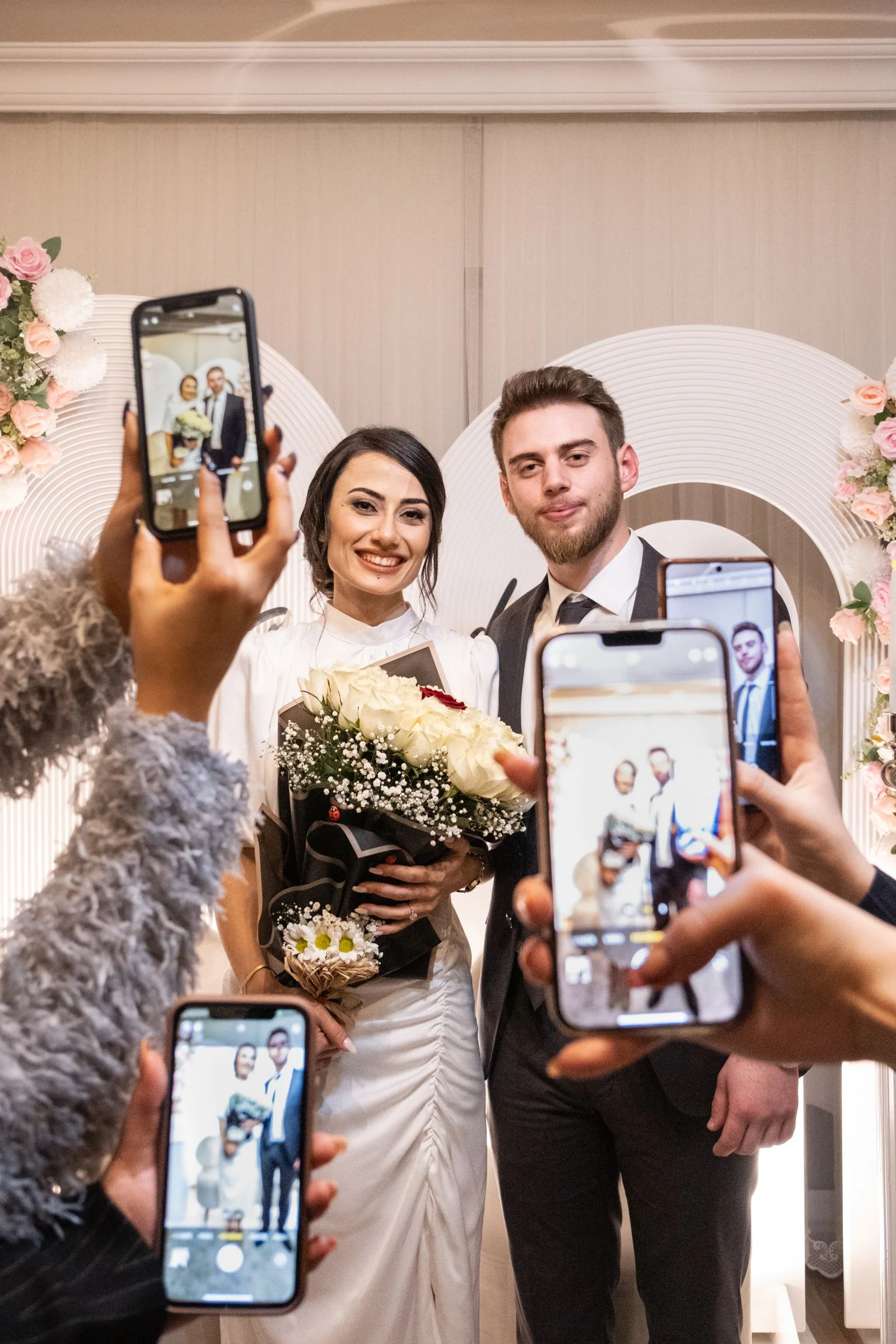
A professional photographer captures the moments you planned for. Your guests capture almost everything happening around them: the view from the back row, the reaction during a speech, the table that turned dinner into a comedy show, the blurry dance-floor masterpiece that somehow becomes one of your favorite photos.
The problem is getting those pictures back.
A wedding photo QR code gives guests one simple destination for the photos and videos already sitting in their camera rolls. They scan the code with their phone, open an upload page, choose what they want to share, and send it to the couple's wedding album. With a browser-based service, guests do not need to install an app or create an account first.
That small reduction in friction matters at a wedding. Nobody wants to troubleshoot a login between the first dance and dessert.
What is a wedding photo QR code?
A wedding photo QR code is simply a scannable link to a place where guests can contribute wedding photos and videos. The QR code itself is not the album. It is the shortcut that gets everyone to the same upload destination.
The best version of the experience is straightforward:
- The couple creates a private wedding gallery.
- The gallery generates a unique link and QR code.
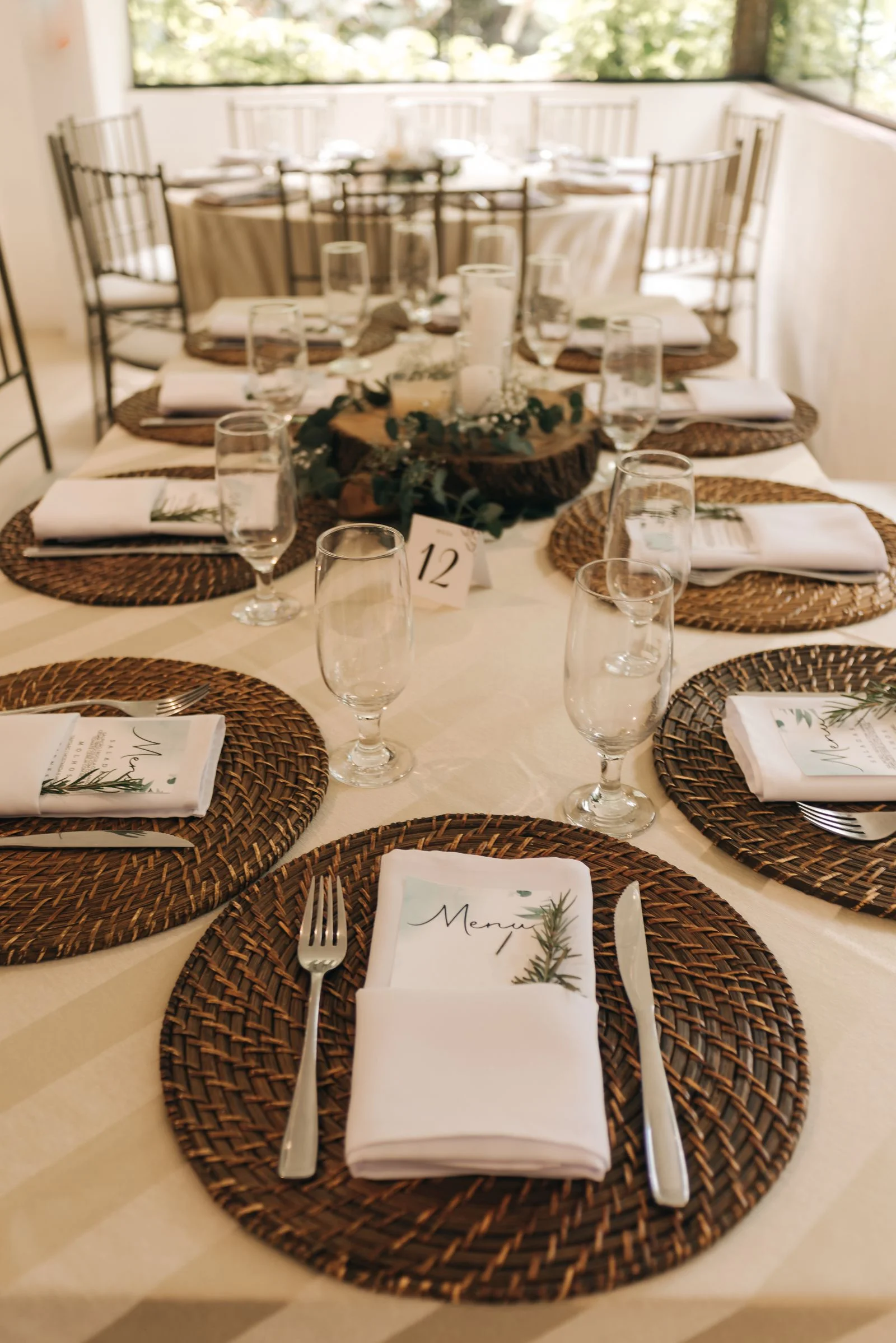
- The couple prints the QR code on table cards, a welcome sign, menus or other reception signage.
- Guests scan it with the camera app already on their phone.
- The upload page opens in the browser.
- Guests choose photos or videos from their camera roll and upload them.
- Everything arrives in one place for the couple to review and download.
The key question is not whether a QR code can open a link. Almost any QR generator can do that. The important part is what happens after the scan. If the link sends guests into a confusing folder, an app-install prompt or a sign-in flow, many people will stop there.
Why collect guest photos if you already hired a photographer?
Guest photos and professional wedding photography solve different problems.
Your photographer is responsible for the visual record of the wedding: portraits, the ceremony, family formals, details, major reception moments and the polished images you will print and frame. Guest photos are the second perspective.
They catch the moments the official camera cannot be everywhere for. A college friend may photograph the table laughing during cocktail hour. A cousin may have the best angle of your entrance. Someone at the bar may record the full reaction to a speech. Your parents may take a picture that is technically imperfect and emotionally irreplaceable.
A guest album should complement your photographer, not replace one. Exploring different ways to share wedding photos with guests shows how dedicated event galleries keep every memory organized.
Why a QR code works better than asking everyone afterward
The traditional approach is usually some version of: "Please send us your pictures when you get a chance."
Then the wedding ends.
A few people text photos the next morning. Someone sends an iCloud link. Someone else creates a Google Photos album. Videos arrive in a group chat. A relative says they will send theirs when they get home. Three weeks later, the couple is still asking.
A QR code makes the request visible while guests are already taking pictures. Everyone gets the same destination, and the instructions can be reduced to one sentence: scan and add your photos.
It also gives you something useful after the wedding. The same link can be included in a thank-you text or email for anyone who forgot to upload during the reception.
How to set up a QR code for wedding pictures
Planning your table signage?
WedShare albums include a built-in Printable QR Designer to export custom 5x7 table cards, folded tent cards, and signs styled for your wedding.
First, choose where the photos will go. You can use a wedding-specific guest gallery, a cloud service, or another upload tool. If your priority is participation, test the exact flow as if you were a guest who has never seen it before.
Open the link on both iPhone and Android if you can. Ask: Does it open quickly? Can someone select multiple photos? Does it accept video? Does it suddenly require an account? Can an older relative understand the page without explanation?
With WedShare, the intended workflow is a private wedding page that guests open from a QR code or link and use from their browser without downloading an app or creating an account.
Next, generate the QR code and print it at a size that scans reliably. Do not squeeze it into a decorative corner just because it looks elegant there. Give the code clear space around it, use strong contrast, and test the final printed version from a normal viewing distance with multiple phones.
Finally, tell guests exactly what the code does. "Scan me" is mysterious. "Scan to add your photos and videos to our wedding album" is clear. For stationery ideas across invitations, menus, and table settings, check out our wedding QR code ideas guide.
Where should you put the wedding photo QR code?
One code at the entrance is easy to miss. Put it where guests naturally pause and where phones are already out.
Good locations include a welcome sign, reception tables, the bar, the guestbook table and near the dance floor. A small take-home card can also work because some guests will prefer to upload the next morning when they have time to go through their camera roll.
You do not need to cover the venue in QR codes. You do need more than one chance for guests to notice it.
A useful pattern is a larger sign at the entrance, a small card on each dinner table, and one reminder near the bar or dance floor. Ask the DJ or MC to mention the album once during the reception if that fits the tone of the event. As highlighted in The Knot's guide to QR codes for wedding pictures, table placement is by far the highest-converting location because guests are seated with their phones on hand.
What should the sign say?
Keep the copy short enough to understand in a few seconds.
A simple version is:
Share the day through your eyes > > Scan to add your photos and videos to our wedding album. > > No app or guest account needed.
If your chosen service does require a login or app, do not use the last line. The sign should accurately describe what happens after someone scans.
What about bad venue Wi-Fi or cell service?
This is one of the most practical things to test before the wedding.
If your venue has weak reception, guests may take plenty of pictures but be unable to upload large batches or videos during the event. That does not make the QR code useless. It means your strategy should include an after-wedding reminder.
Put a short backup URL beneath the QR code so people can save it. Include the link on your wedding website if appropriate. Keep uploads open after the wedding, and send one friendly reminder the next day or after the weekend.
Do not pressure guests to stand beside a window waiting for a video to upload. The goal is to collect memories, not add homework to the reception.
Should guests be able to see everyone else's photos?
There is no universal right answer.
A shared gallery can be fun because guests get an immediate view of the celebration from other perspectives. On the other hand, some couples would rather review uploads before anything becomes visible.
Look for controls that match your comfort level: upload-only mode, moderation before public display, private-by-link access, optional PIN protection, and the ability to disable guest downloads if that matters to you. WedShare supports optional host moderation, optional 4-digit PIN access, and one-click bulk ZIP downloading for couples who want complete control.
Can you use a QR code and still have an unplugged ceremony?
Absolutely. The two ideas address different parts of the day.
You can ask guests to keep phones away during the ceremony and invite them to take and share photos during cocktail hour and the reception. In fact, that can make the instruction cleaner: ceremony first, camera rolls later.
If you want an unplugged ceremony, do not place a "share your photos" sign where guests will interpret it as permission to photograph the processional. Put the photo-sharing signage at the reception instead.
Do guests need an app to upload wedding photos?
Not necessarily.
Some wedding photo tools use native apps, while others work entirely in the phone browser. If participation is your priority, a no-download experience removes one decision from the guest flow.
Recent wedding-planning discussions repeatedly raise the same concern: couples want something simple enough for older relatives, something that handles photos and videos, and something that does not require every guest to install or register for a one-day service. When choosing a wedding photo sharing app, prioritize browser-based testing on both iPhone and Android.
Whatever platform you choose, test it with the least technical person in your family before you order 100 printed cards.
What happens after the wedding?
Give guests a little time. People often take far more photos than they upload in the moment.
The day after the wedding, send the album link through the communication channel you are already using for guests. Keep the message light:
Thank you for celebrating with us. If you took any photos or videos this weekend, we'd love to see them. You can add them here.
Then download and back up the originals you want to keep. A guest gallery is a collection tool, not a reason to skip your own long-term photo backup.
The simplest rule: reduce the number of steps
A wedding photo QR code works because it can turn a messy request into one action.
Guests already have the photos. They already have the phone. The QR code simply needs to get them from one to the other with as little friction as possible.
If someone can scan your sign, understand the destination immediately and upload without asking the person next to them for help, you have set it up well.

Collect Every Photo from Your Celebration
Create your WedShare wedding album and give every guest one simple place to share the moments you missed.
Frequently Asked Questions
Can I make a QR code for guests to upload wedding photos?
Yes. Create an upload destination first, then generate a QR code that points directly to it. A wedding-specific service can combine the gallery, upload page and QR generation in one workflow.
Do wedding guests need an app to use a photo QR code?
That depends on the service. Browser-based tools can let guests scan and upload without installing an app. Test the exact guest flow before printing your signs.
Where should I display a wedding photo QR code?
Use several natural pause points such as the welcome area, reception tables, bar or guestbook table. A take-home card or next-day digital reminder can catch guests who prefer to upload later.
Can guests upload videos too?
Many modern wedding photo-sharing services support both photos and video, but file-size limits and plan restrictions vary. Verify your chosen platform before the event.
Is a wedding QR photo album private?
It can be. Privacy depends on the service and settings. Look for private-by-link access, moderation controls, optional PIN protection and clear download permissions if those features matter to you.